DesktopDESKTOP
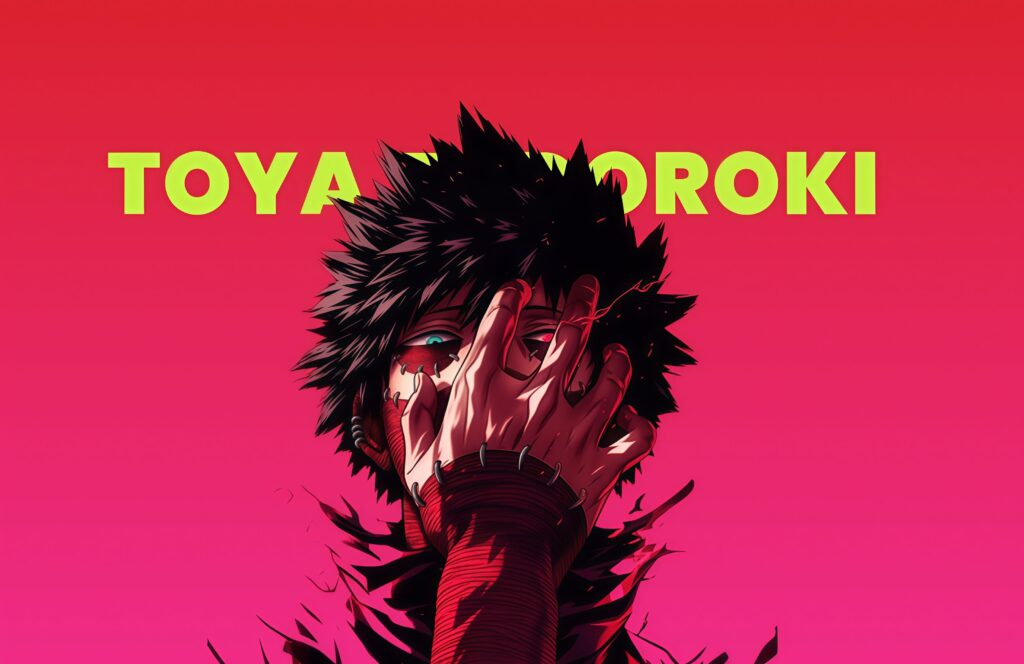
Dabi Toya Todoroki MHA Desktop Wallpaper

Darken your display with the sinister elegance of this Dabi Cremation Blue Flames Desktop Wallpaper. This breathtaking dark-mode widescreen background features a striking portrait of the villain Dabi, showcasing his stitched scars and piercing blue eyes. Unleashing vibrant, brilliant blue flames from both hands against a pitch-black background, this 4K landscape layout delivers an intense, neon-gothic look for your setup. 💙🔥
Click the "Download Desktop Wallpaper" button above to save the full-resolution image.
Windows: Right-click the downloaded image and select "Set as desktop background." Or go to Settings → Personalization → Background.
Mac: Right-click the image and select "Set Desktop Picture." Or go to System Settings → Wallpaper.
Linux: Right-click the desktop and select "Change Background" or use your desktop environment's settings.


