TravelDESKTOP
Marvel Iron Man Armored Avenger Desktop Wallpaper
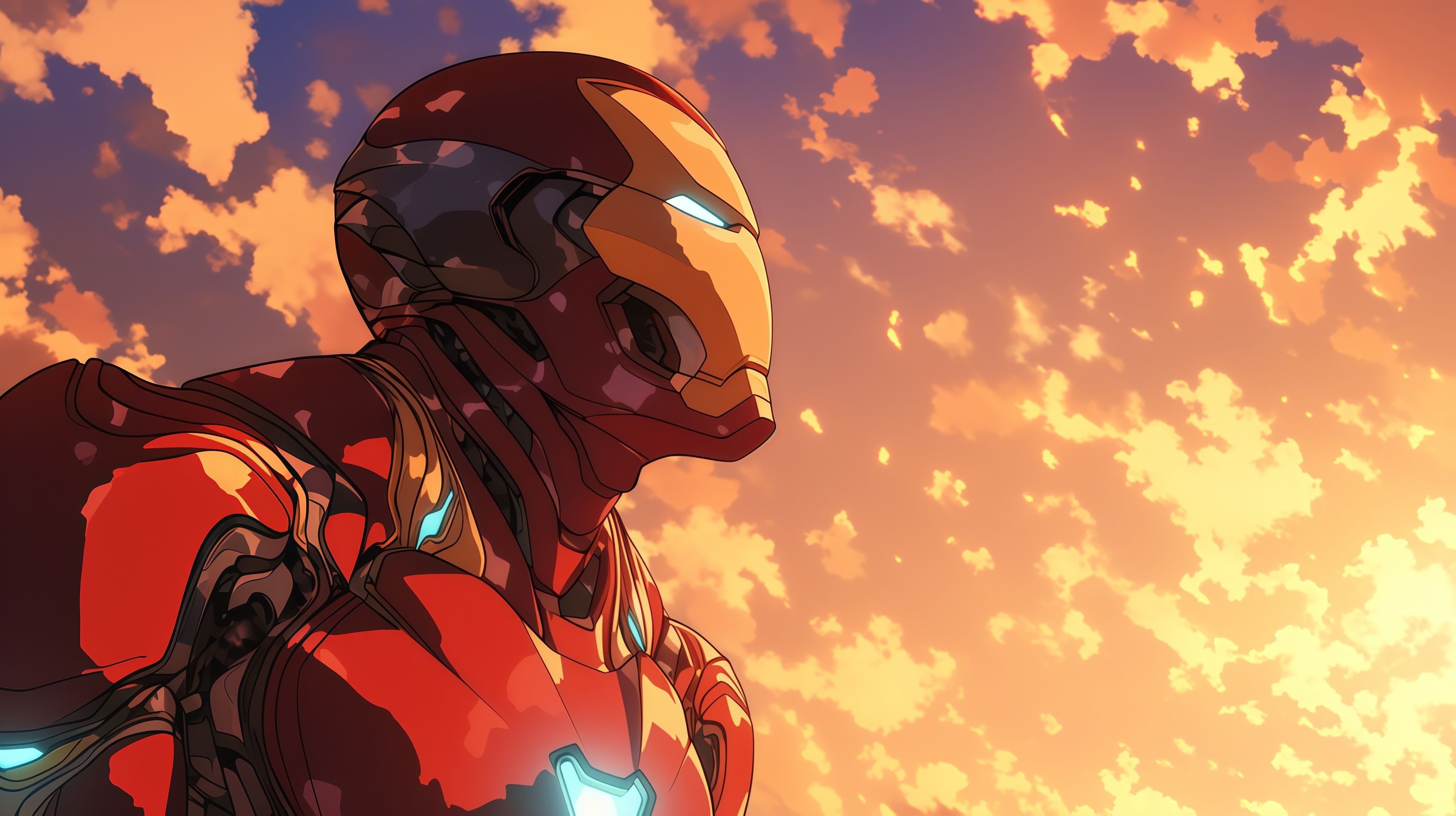
The Tony Stark Iron Man desktop wallpaper presents a powerful, side-profile view of the Armored Avenger looking toward the horizon. This high-quality 4K illustration features a stylized anime aesthetic, blending classic comic book heroism with modern digital painting techniques. The glowing eyes and chest piece stand out against the soft, orange-hued clouds, providing a clean and inspiring HD background for any Marvel enthusiast.
Click the "Download Desktop Wallpaper" button above to save the full-resolution image.
Windows: Right-click the downloaded image and select "Set as desktop background." Or go to Settings → Personalization → Background.
Mac: Right-click the image and select "Set Desktop Picture." Or go to System Settings → Wallpaper.
Linux: Right-click the desktop and select "Change Background" or use your desktop environment's settings.