Technology
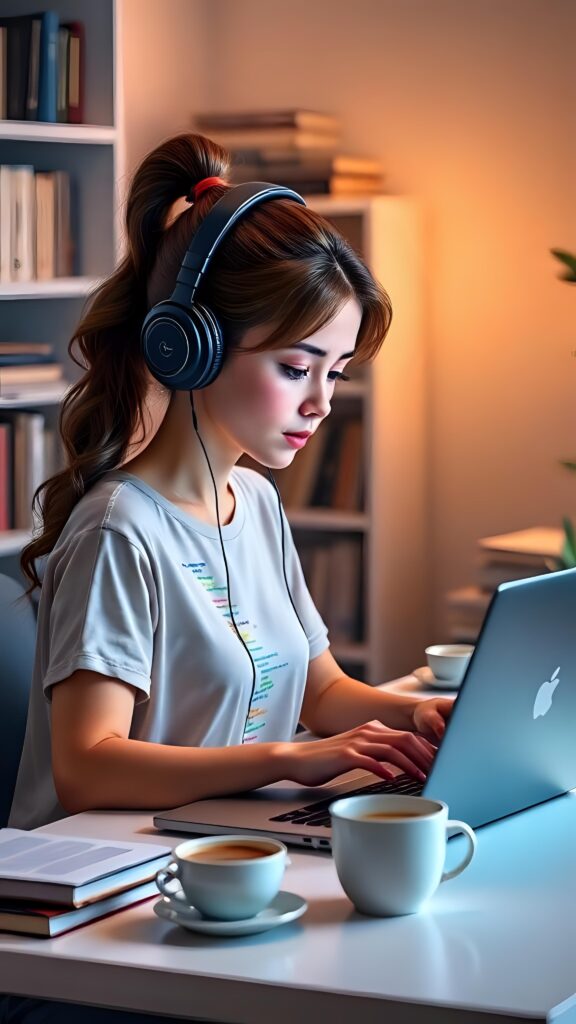
Stylish Tech Girl Wallpaper
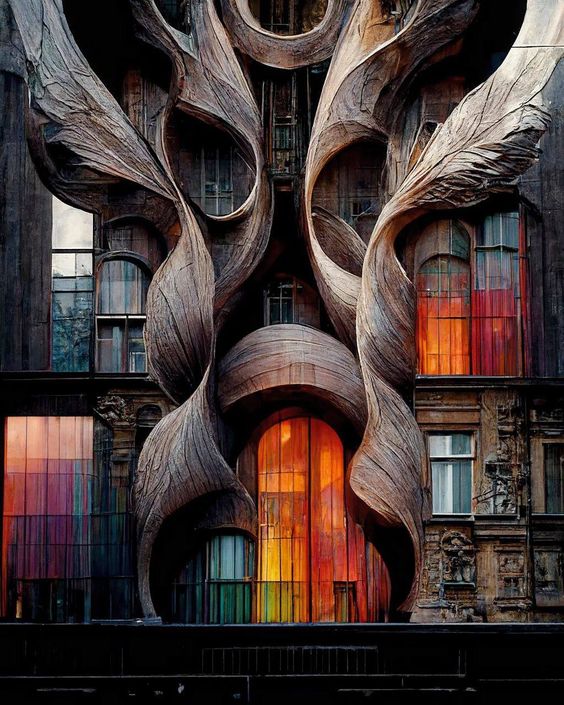
Architecture offers high resolution clarity at 564×705 pixels, designed to make your screen stand out. Filed under Technology, this wallpaper sits alongside other carefully curated backgrounds in the same style. The balanced dimensions work well on both phone and desktop, adapting to either orientation. Tap the download button to save the full-resolution file directly to your device. No account or signup needed.
Tap the "Download Wallpaper" button above to save the full-resolution image to your device.
Android: Open your Gallery or Photos app, find the downloaded image, tap the three-dot menu (⋮) and select "Set as wallpaper." Choose home screen, lock screen, or both.
iPhone: Open the Photos app, find the downloaded image, tap the share icon (↑) and select "Use as Wallpaper." Adjust the crop and tap "Set."
Or use the Chicswipe app to set wallpapers with a single tap — no manual steps needed.