Art
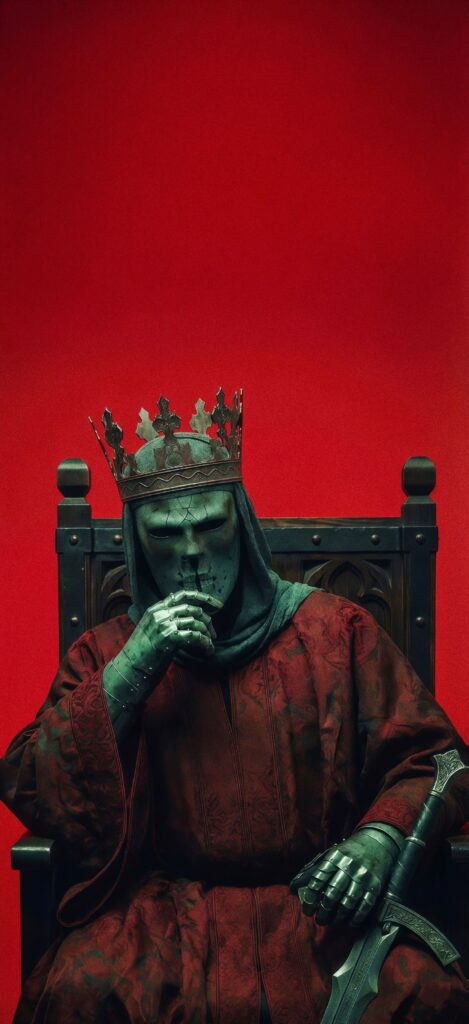
Dark Fantasy Masked King Wallpaper
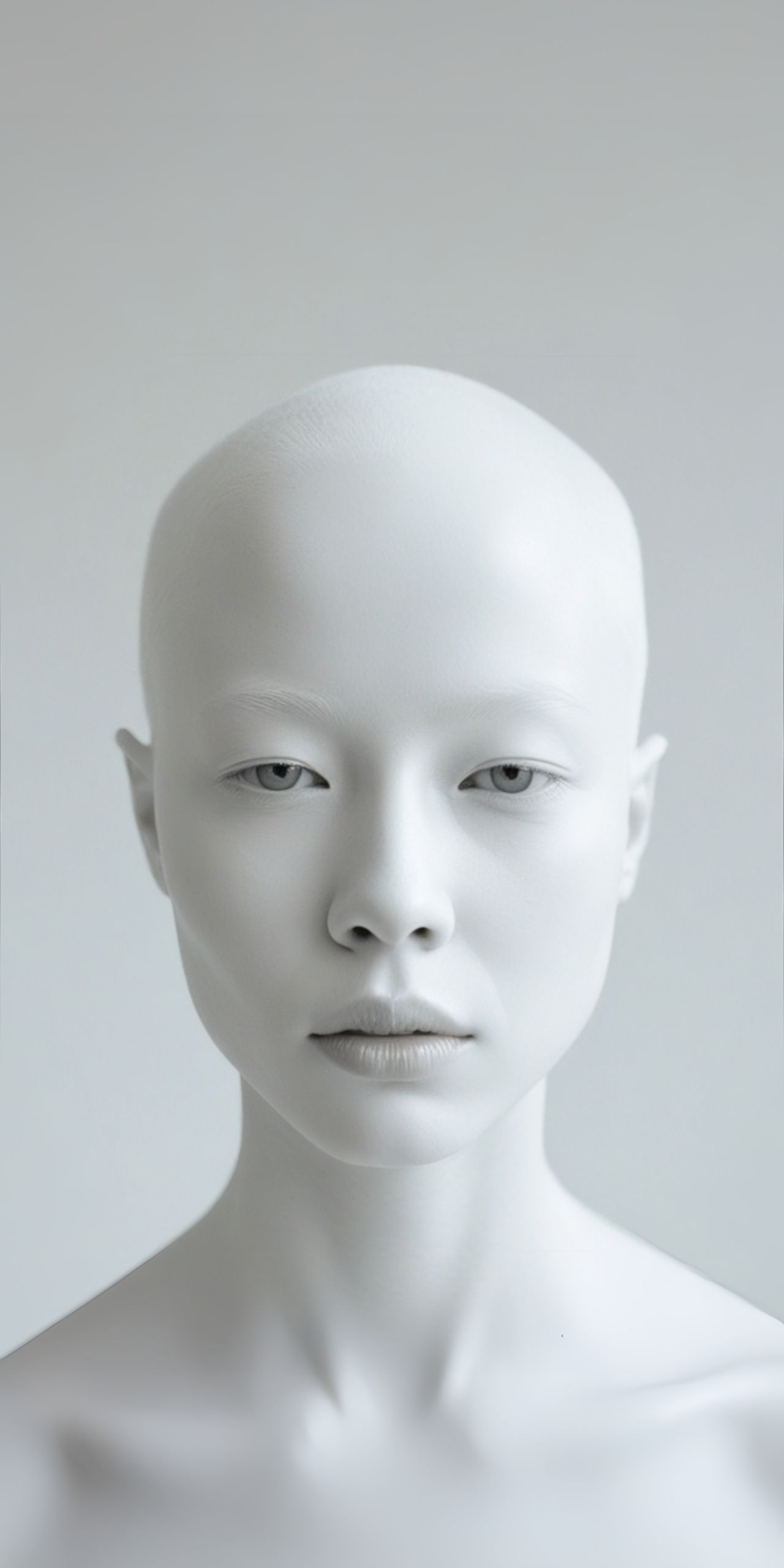
Embrace simplicity and serenity with this striking monochromatic white portrait wallpaper! 🤩 Featuring a close-up of a person's face, entirely in shades of white, this image offers a minimalist and ethereal aesthetic. 👤⚪ The subtle variations in tone create a sense of calm and focus. Perfect for anyone who appreciates clean design and a peaceful visual for their screen. Download this minimalist serenity wallpaper and add a touch of quiet elegance to your device!
Tap the "Download Wallpaper" button above to save the full-resolution image to your device.
Android: Open your Gallery or Photos app, find the downloaded image, tap the three-dot menu (⋮) and select "Set as wallpaper." Choose home screen, lock screen, or both.
iPhone: Open the Photos app, find the downloaded image, tap the share icon (↑) and select "Use as Wallpaper." Adjust the crop and tap "Set."
Or use the Chicswipe app to set wallpapers with a single tap — no manual steps needed.