Anime
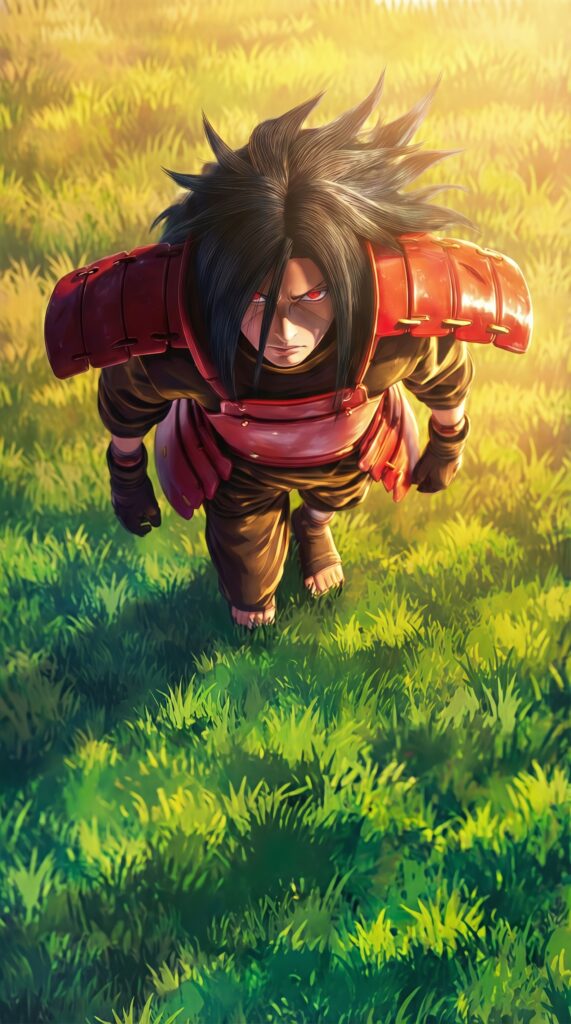
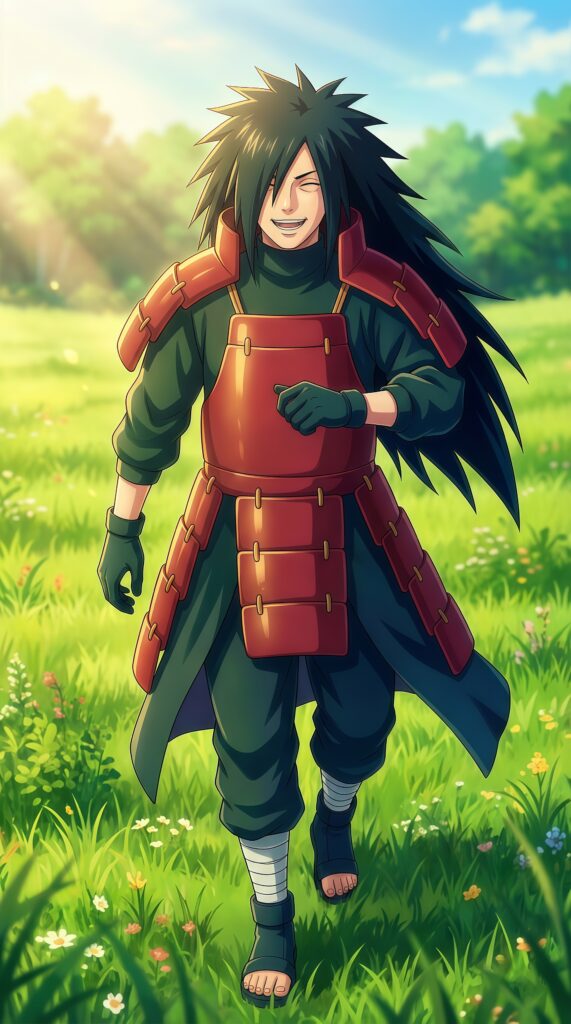
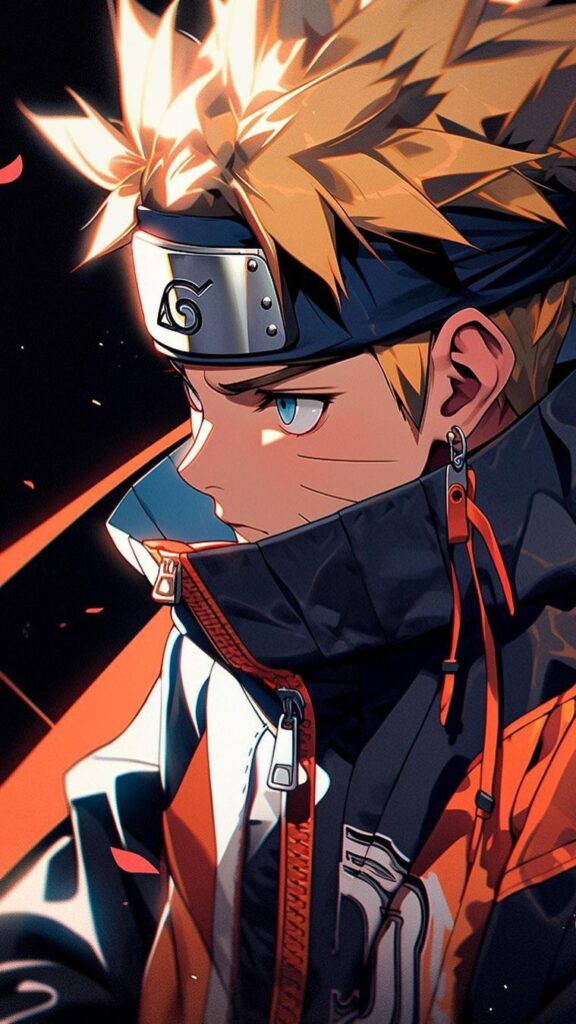
Epic Naruto 4K wallpaper

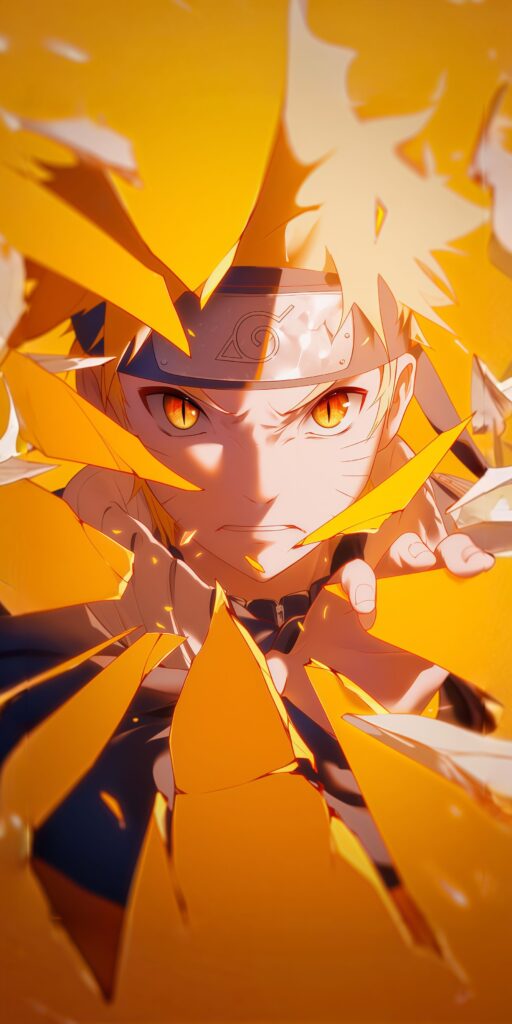
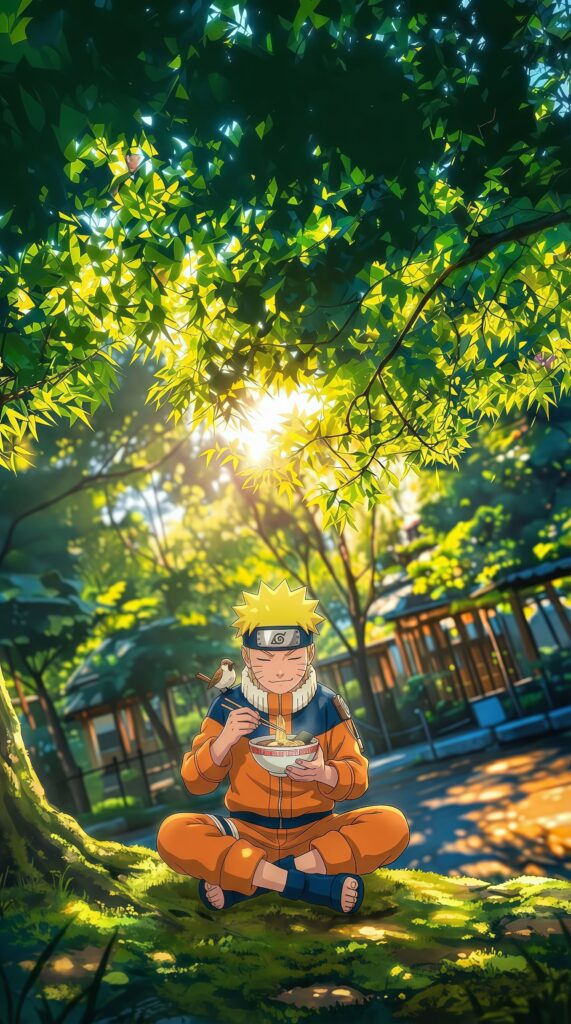
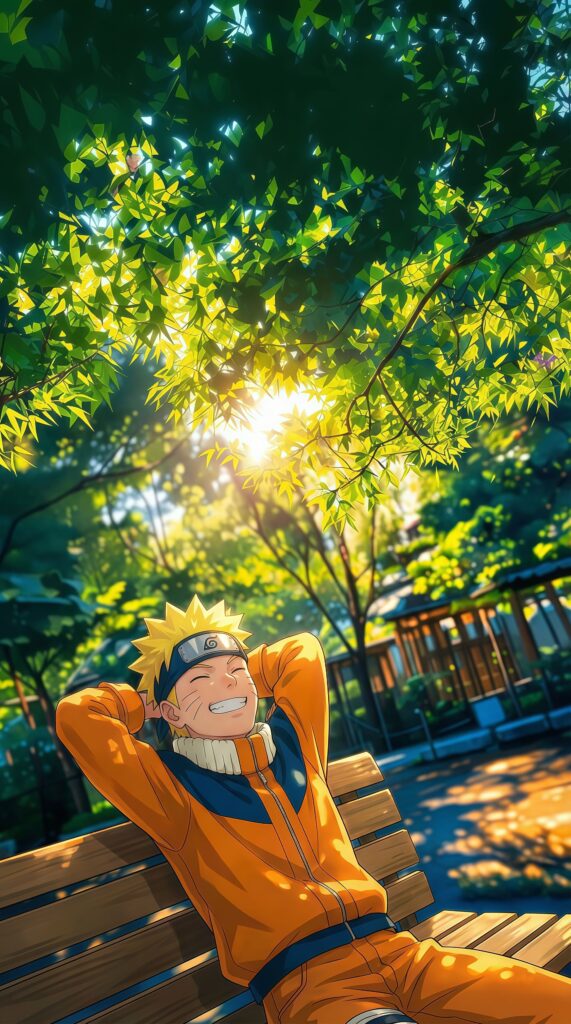
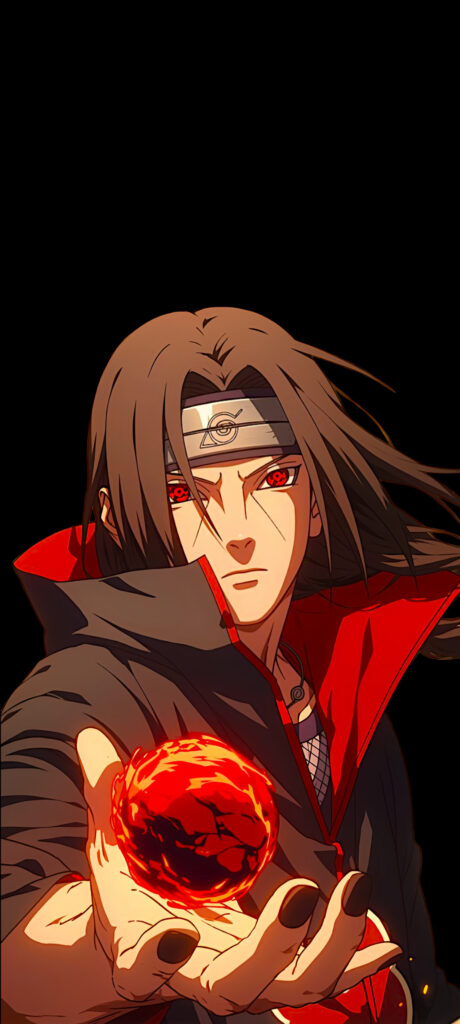
Naruto Uzumaki Rasengan Action Wallpaper brings the thrill of a shinobi battle directly to your fingertips. This dynamic 4K phone wallpaper showcases Naruto mid-attack, charging his iconic blue Rasengan amidst swirling wind and dust effects. The contrast between the glowing blue chakra and the warm forest background creates a striking visual depth that looks incredible on OLED screens. If you want a wallpaper that radiates power, determination, and the "Will of Fire," this action-packed shot is the perfect choice for your daily driver.
Tap the "Download Wallpaper" button above to save the full-resolution image to your device.
Android: Open your Gallery or Photos app, find the downloaded image, tap the three-dot menu (⋮) and select "Set as wallpaper." Choose home screen, lock screen, or both.
iPhone: Open the Photos app, find the downloaded image, tap the share icon (↑) and select "Use as Wallpaper." Adjust the crop and tap "Set."
Or use the Chicswipe app to set wallpapers with a single tap — no manual steps needed.