Phone
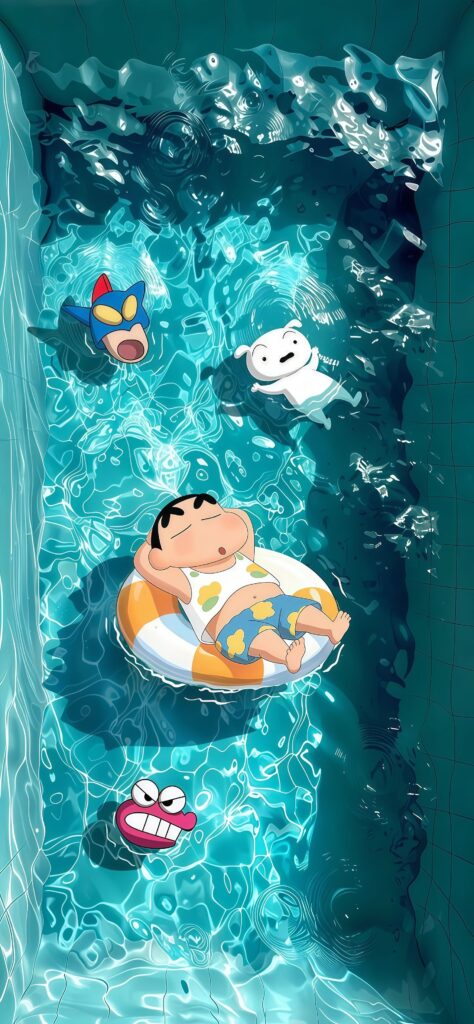
Crayon Shin-chan and Friends Pool Day Anime Wallpaper

Shin-Chan Pool Swim Wallpaper brings a fun, splashy aesthetic directly to your mobile lock screen. This high-quality 4K phone background features Shinnosuke Nohara cooling off inside a bright blue tiled swimming pool, with one version of him floating casually and another sporting a hilarious blue pufferfish swimming cap beside a beach ball. The clear turquoise water textures and bright contrast make it an incredibly refreshing design. Give your smartphone screen an instant dose of lighthearted nostalgia with this crisp, high-definition anime-inspired summer backdrop. 🏊♂️⚽
Tap the "Download Wallpaper" button above to save the full-resolution image to your device.
Android: Open your Gallery or Photos app, find the downloaded image, tap the three-dot menu (⋮) and select "Set as wallpaper." Choose home screen, lock screen, or both.
iPhone: Open the Photos app, find the downloaded image, tap the share icon (↑) and select "Use as Wallpaper." Adjust the crop and tap "Set."
Or use the Chicswipe app to set wallpapers with a single tap — no manual steps needed.