Movies
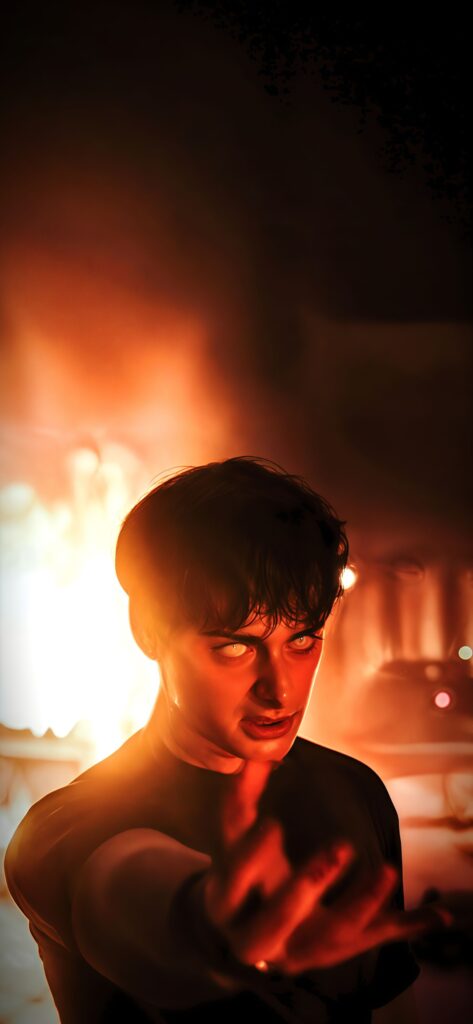
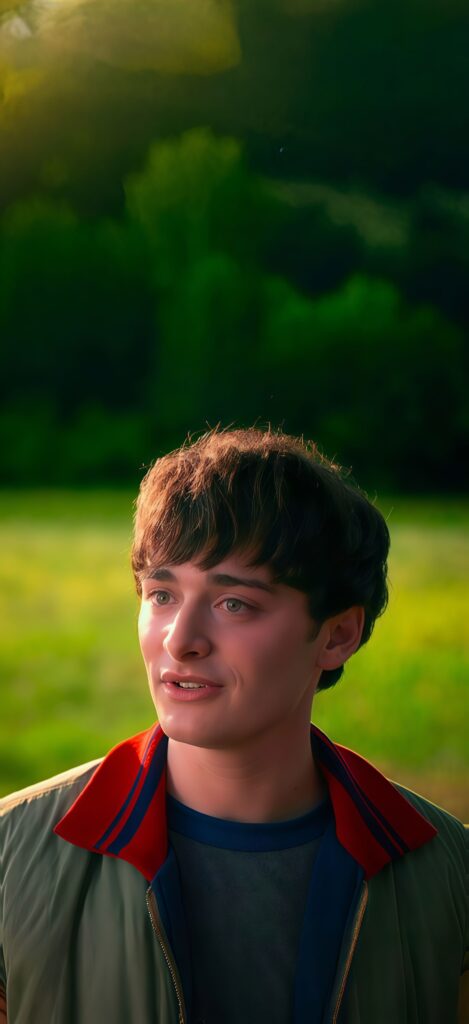
Noah Schnapp Will Byers Nature Wallpaper
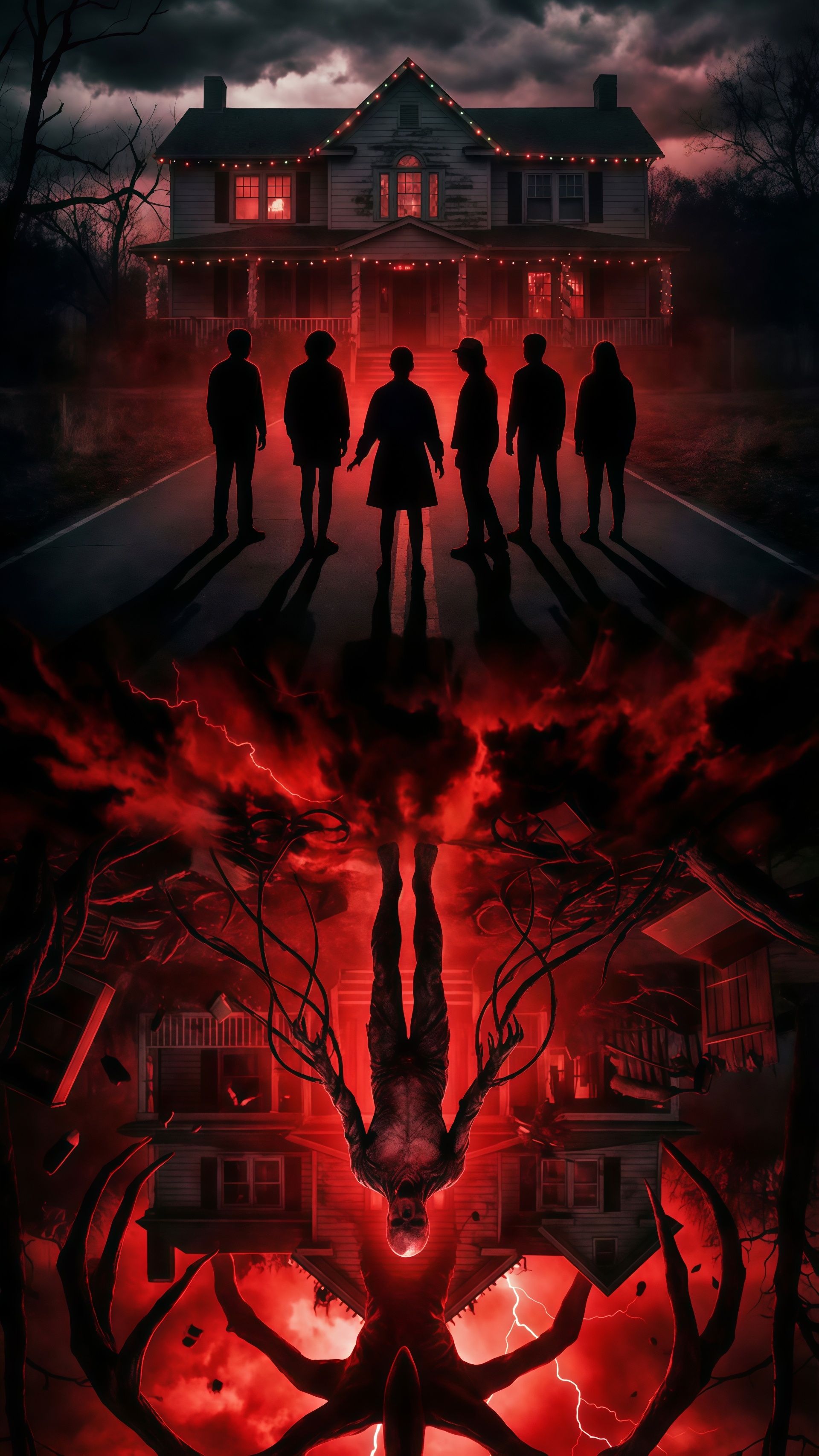
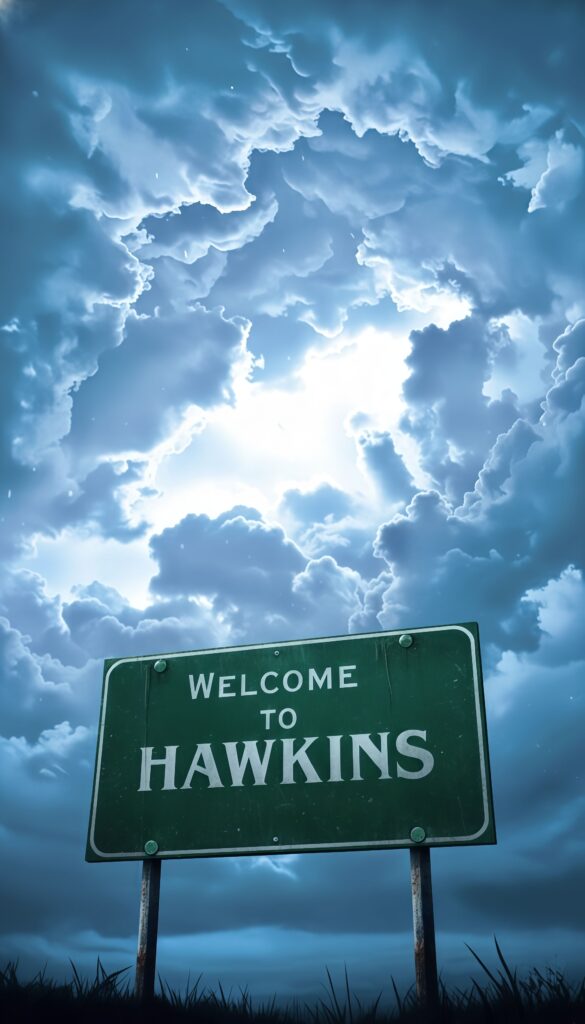
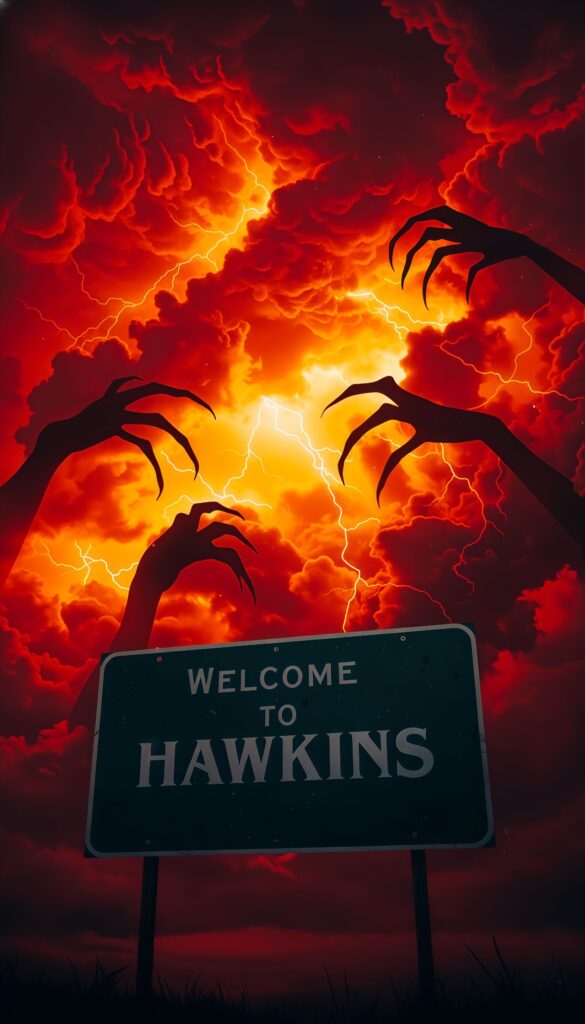
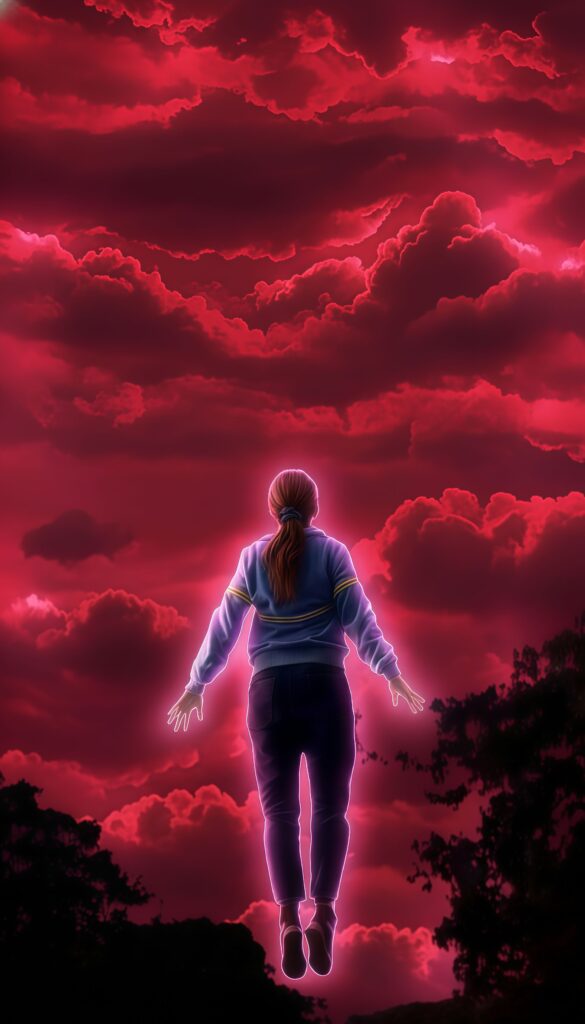
Face the mystery with this cinematic Stranger Things Upside Down wallpaper. This high-resolution 4K background features the iconic silhouettes of the Hawkins crew standing before the Creel House, mirrored by the terrifying Vecna in the red-tinted Upside Down. Capturing the dark, supernatural energy of the hit Netflix series, this high-quality phone background is essential for any sci-fi fan. The striking red and black contrast provides a bold, dramatic look for your lock screen.
Tap the "Download Wallpaper" button above to save the full-resolution image to your device.
Android: Open your Gallery or Photos app, find the downloaded image, tap the three-dot menu (⋮) and select "Set as wallpaper." Choose home screen, lock screen, or both.
iPhone: Open the Photos app, find the downloaded image, tap the share icon (↑) and select "Use as Wallpaper." Adjust the crop and tap "Set."
Or use the Chicswipe app to set wallpapers with a single tap — no manual steps needed.