DesktopDESKTOP
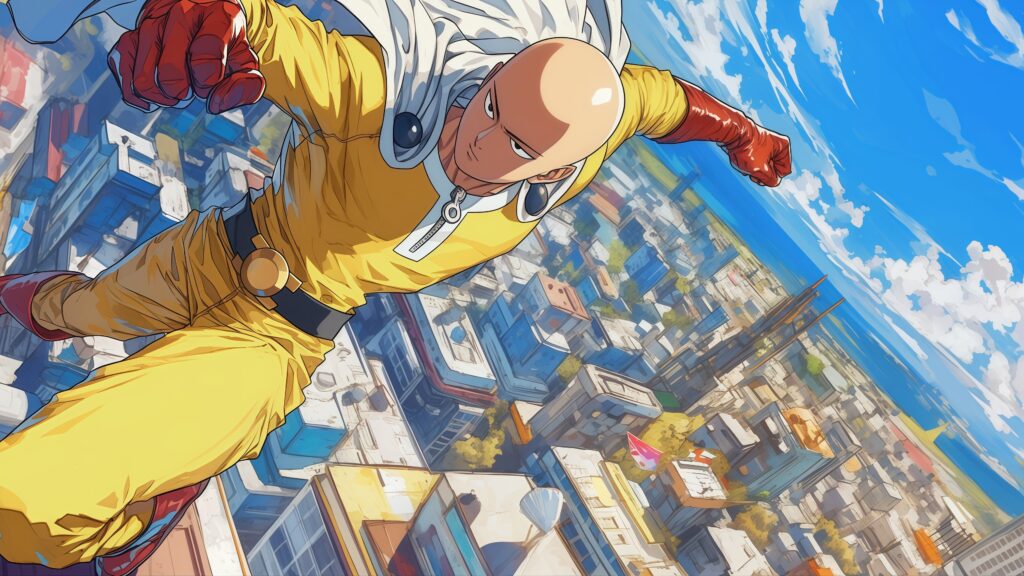
Casual Saitama Yellow Hoodie Desktop Wallpaper

Bring one of anime's most legendary expressions to your screen with this Saitama OK Red Glove Desktop Wallpaper. This vibrant 4K widescreen background features a close-up of Saitama peering through an "OK" hand gesture with his signature red hero glove. Set against a solid, eye-catching bright yellow backdrop, this minimalist and humorous wallpaper keeps your desktop looking bold and uncluttered. 👌💛
Click the "Download Desktop Wallpaper" button above to save the full-resolution image.
Windows: Right-click the downloaded image and select "Set as desktop background." Or go to Settings → Personalization → Background.
Mac: Right-click the image and select "Set Desktop Picture." Or go to System Settings → Wallpaper.
Linux: Right-click the desktop and select "Change Background" or use your desktop environment's settings.