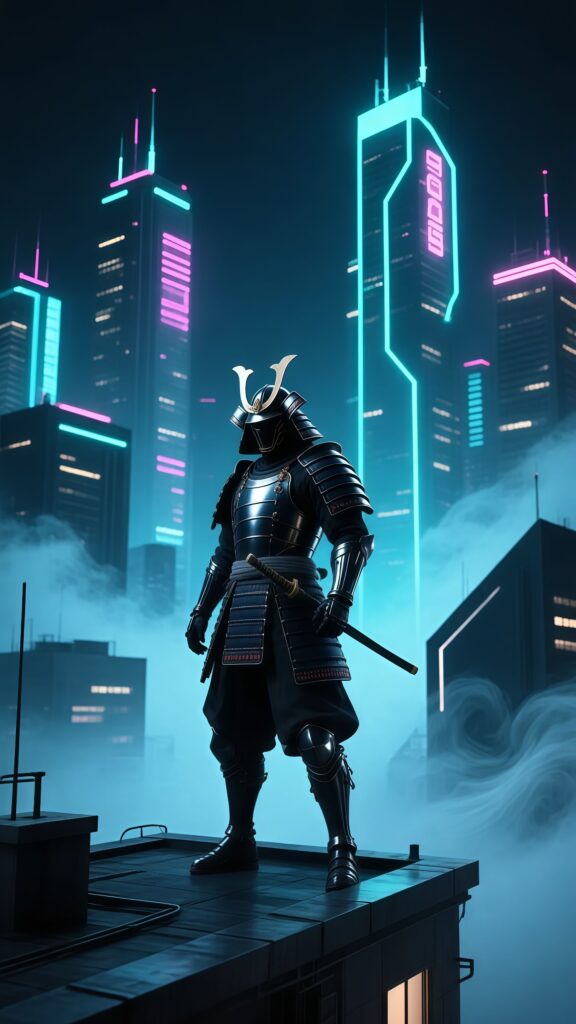
Anime
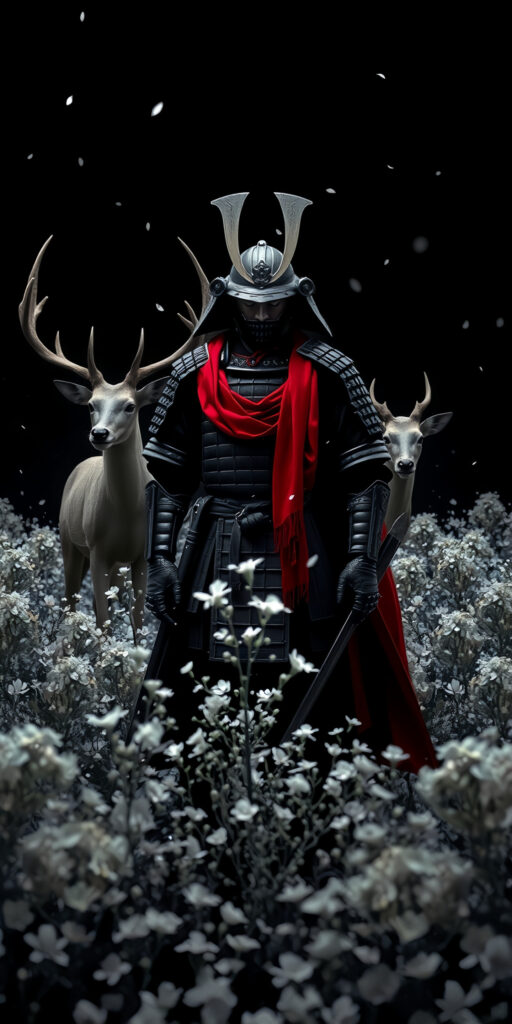
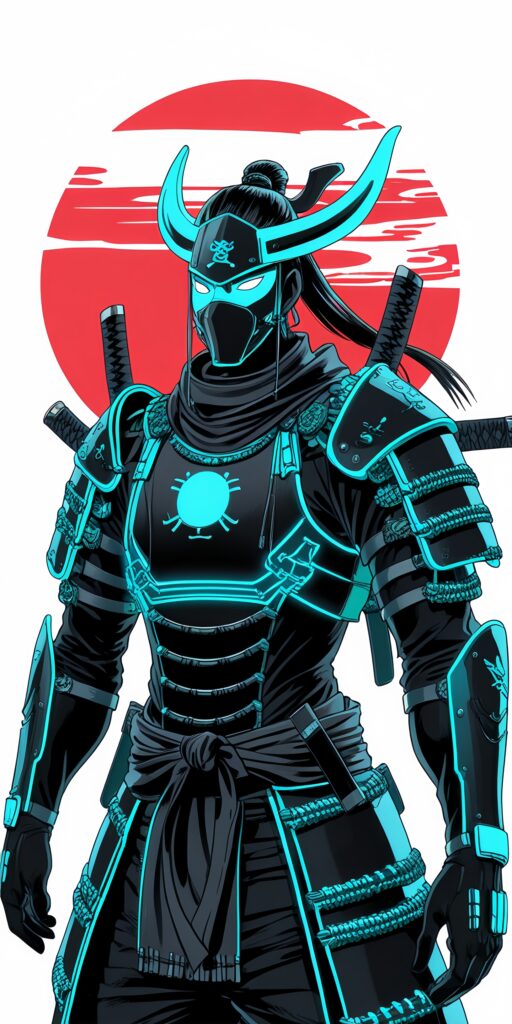
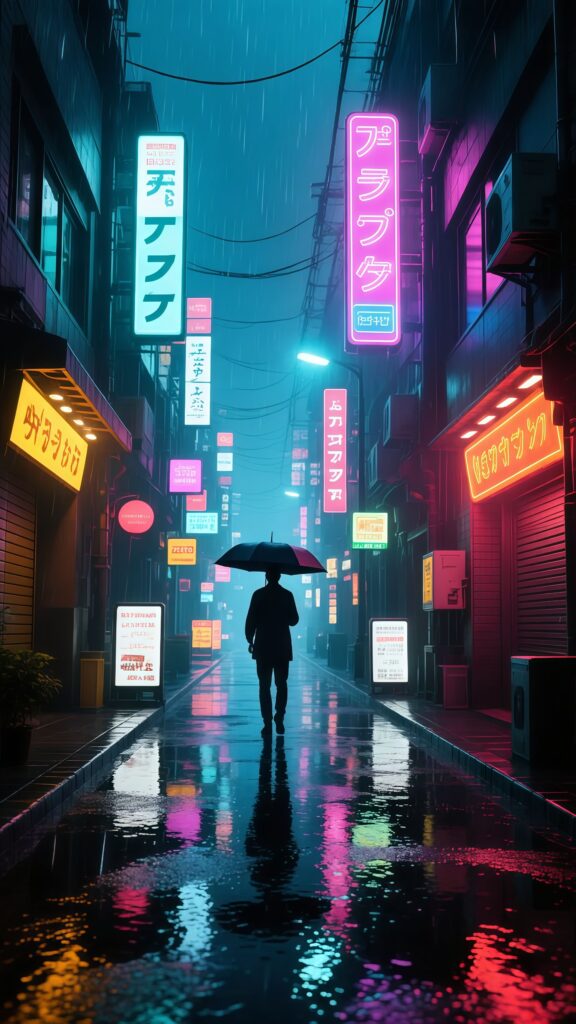
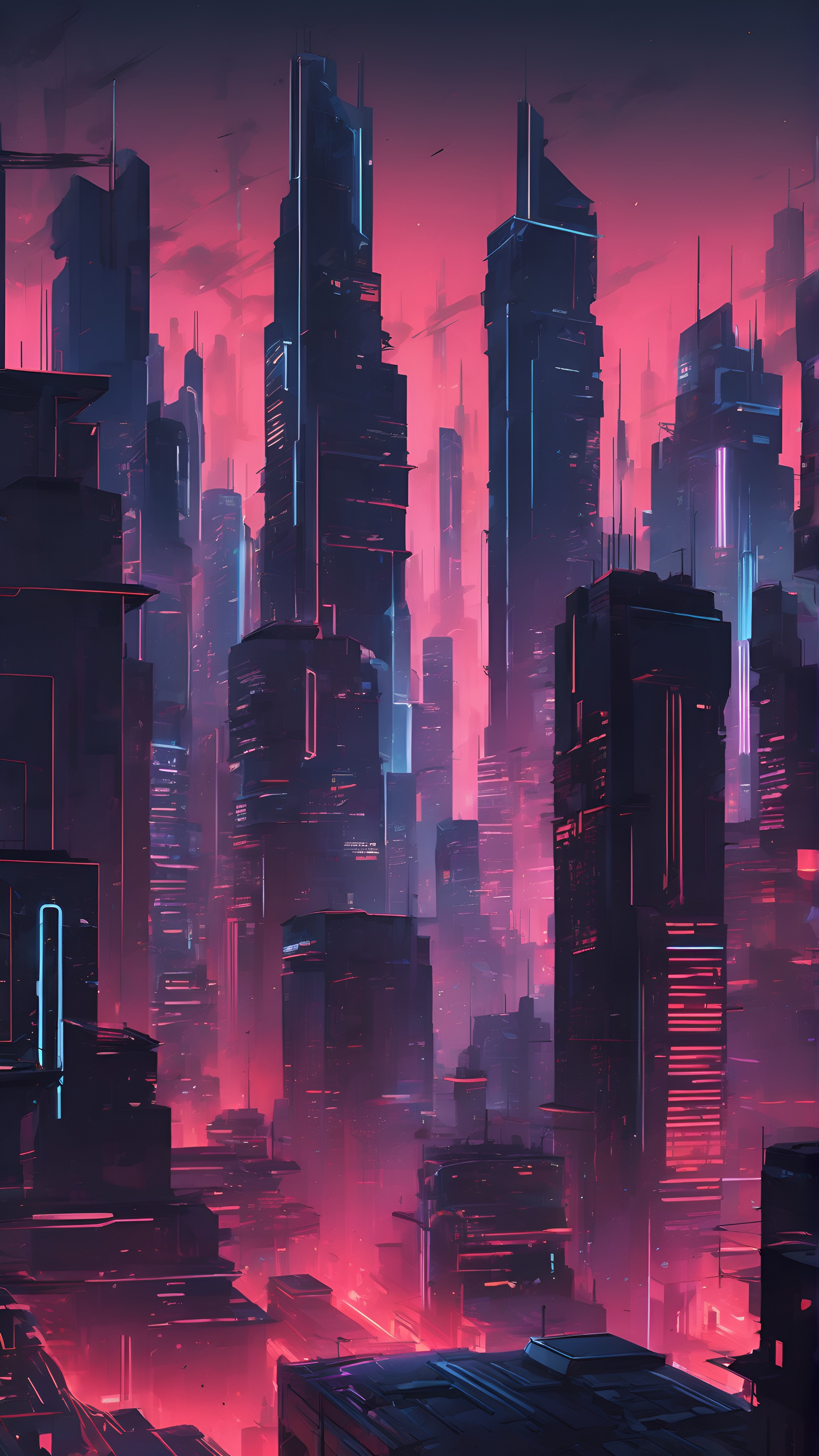
Cyberpunk Samurai Warrior City Lights Wallpaper
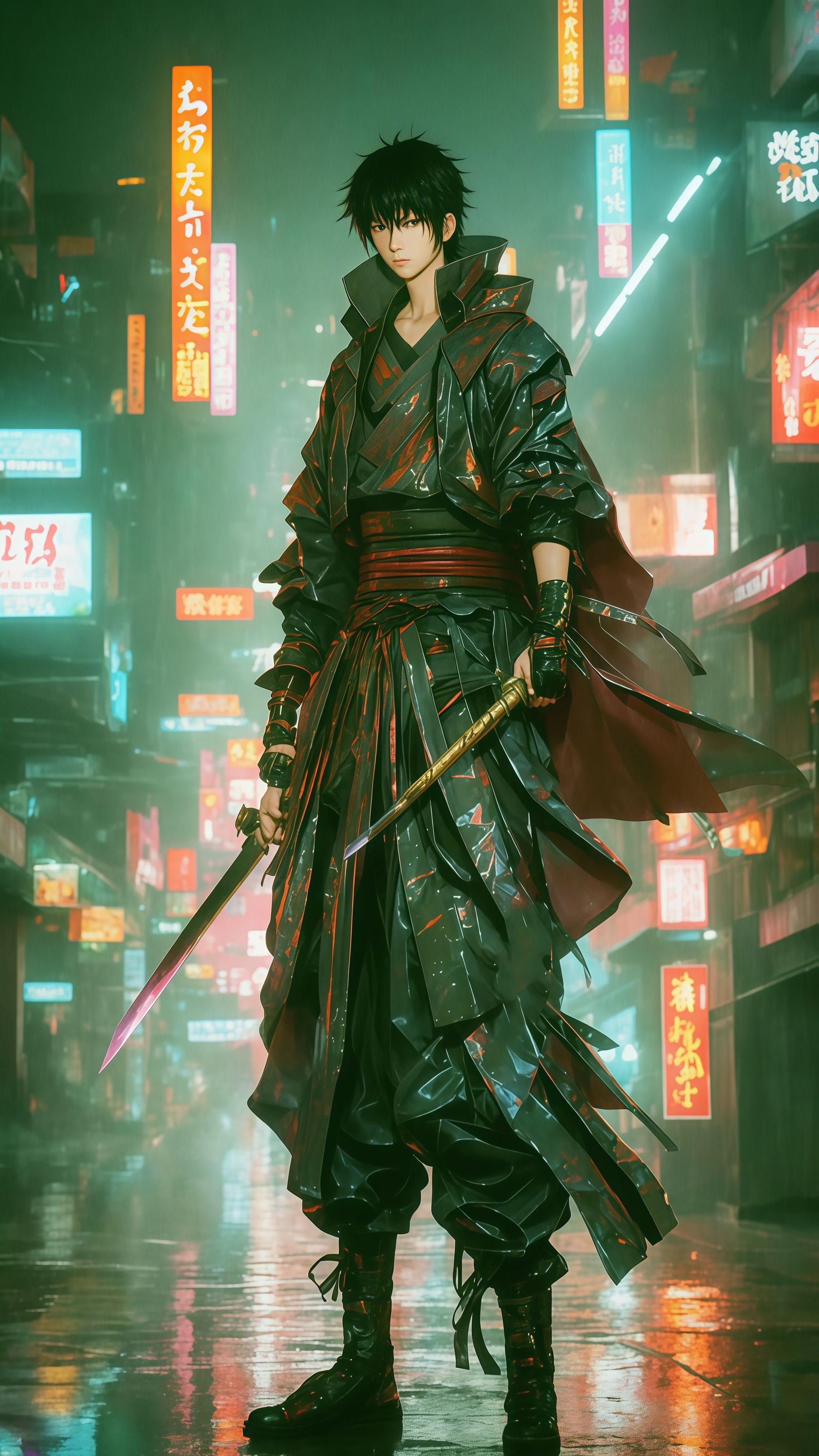
Immerse yourself in a neon-drenched cyberpunk world with this anime samurai, standing firm in the rain-slicked alleyway, a glowing katana in hand, making this a striking wallpaper for your phone wallpaper.
Tap the "Download Wallpaper" button above to save the full-resolution image to your device.
Android: Open your Gallery or Photos app, find the downloaded image, tap the three-dot menu (⋮) and select "Set as wallpaper." Choose home screen, lock screen, or both.
iPhone: Open the Photos app, find the downloaded image, tap the share icon (↑) and select "Use as Wallpaper." Adjust the crop and tap "Set."
Or use the Chicswipe app to set wallpapers with a single tap — no manual steps needed.