Anime
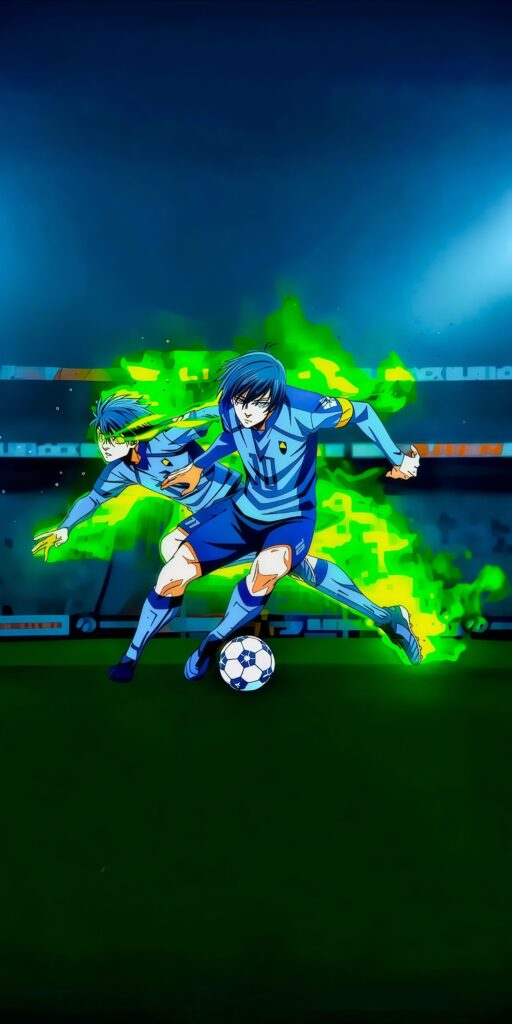
Isagi and Bachira Blue Lock Wallpaper

Experience the ultimate egoist with this Isagi Yoichi Blue Lock Wallpaper featuring the protagonist in his intense "Metavision" flow state. This 4K anime background showcases glowing blue eyes and a high-energy aura, making it a top-tier choice for fans of the hit soccer series seeking a high-quality mobile display.
Tap the "Download Wallpaper" button above to save the full-resolution image to your device.
Android: Open your Gallery or Photos app, find the downloaded image, tap the three-dot menu (⋮) and select "Set as wallpaper." Choose home screen, lock screen, or both.
iPhone: Open the Photos app, find the downloaded image, tap the share icon (↑) and select "Use as Wallpaper." Adjust the crop and tap "Set."
Or use the Chicswipe app to set wallpapers with a single tap — no manual steps needed.