Art
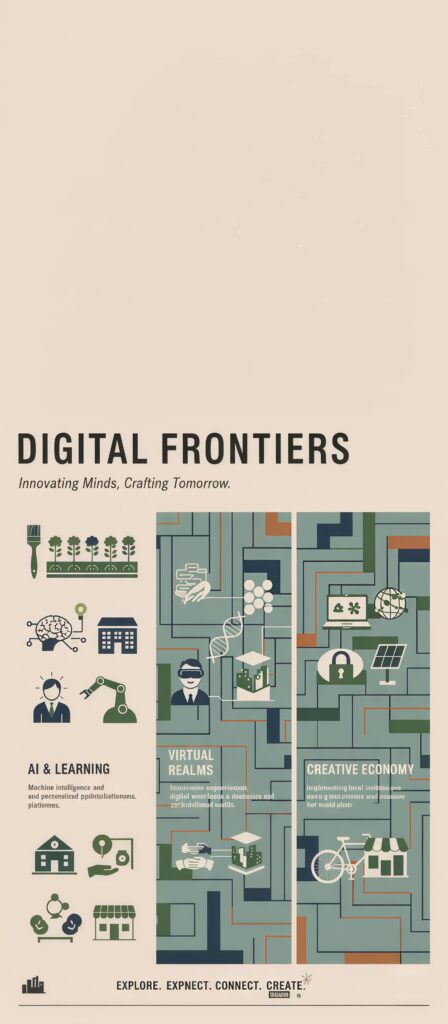
Digital Frontiers Tech Wallpaper
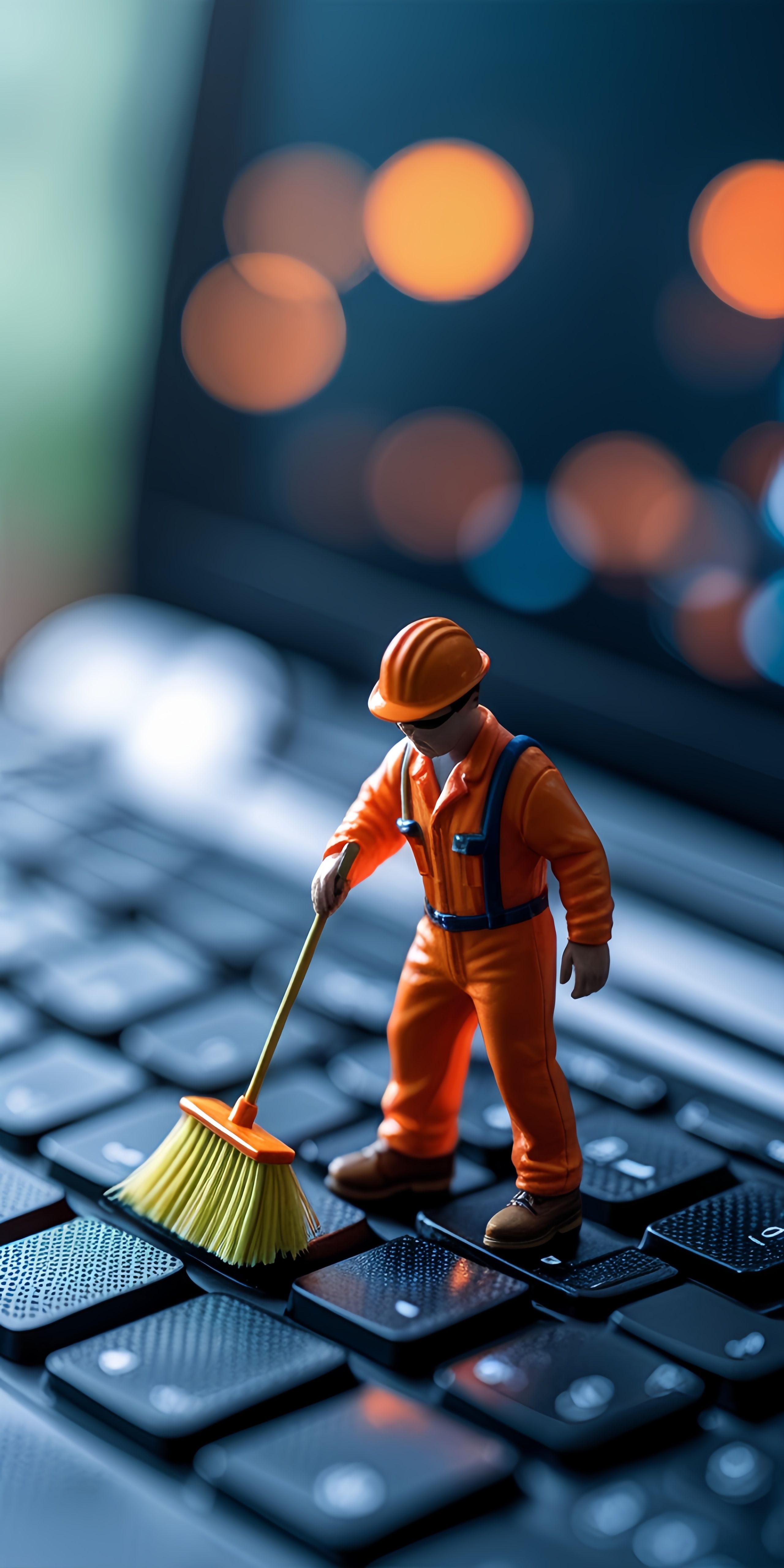
Add a touch of whimsy to your tech with this miniature worker cleaning a keyboard wallpaper! 🤩 Featuring a tiny figure diligently sweeping a keyboard, this image is both creative and amusing. 🧑🔧⌨️ It's a fun and unique take on everyday technology, perfect for adding a bit of personality to your screen. Download this tiny tech clean wallpaper and let the miniature magic begin! ✨
Tap the "Download Wallpaper" button above to save the full-resolution image to your device.
Android: Open your Gallery or Photos app, find the downloaded image, tap the three-dot menu (⋮) and select "Set as wallpaper." Choose home screen, lock screen, or both.
iPhone: Open the Photos app, find the downloaded image, tap the share icon (↑) and select "Use as Wallpaper." Adjust the crop and tap "Set."
Or use the Chicswipe app to set wallpapers with a single tap — no manual steps needed.