Movies
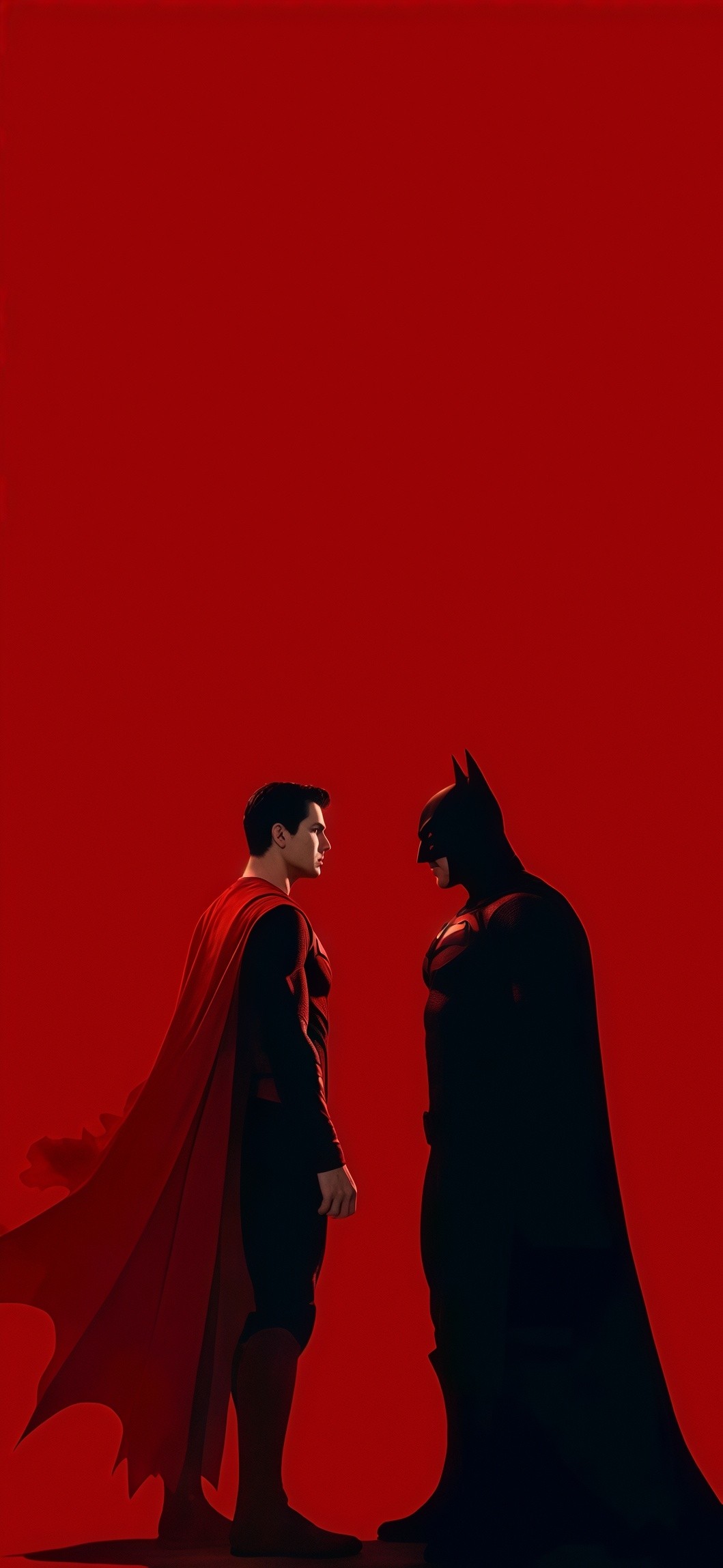
Superman vs Batman Red Minimalist Wallpaper
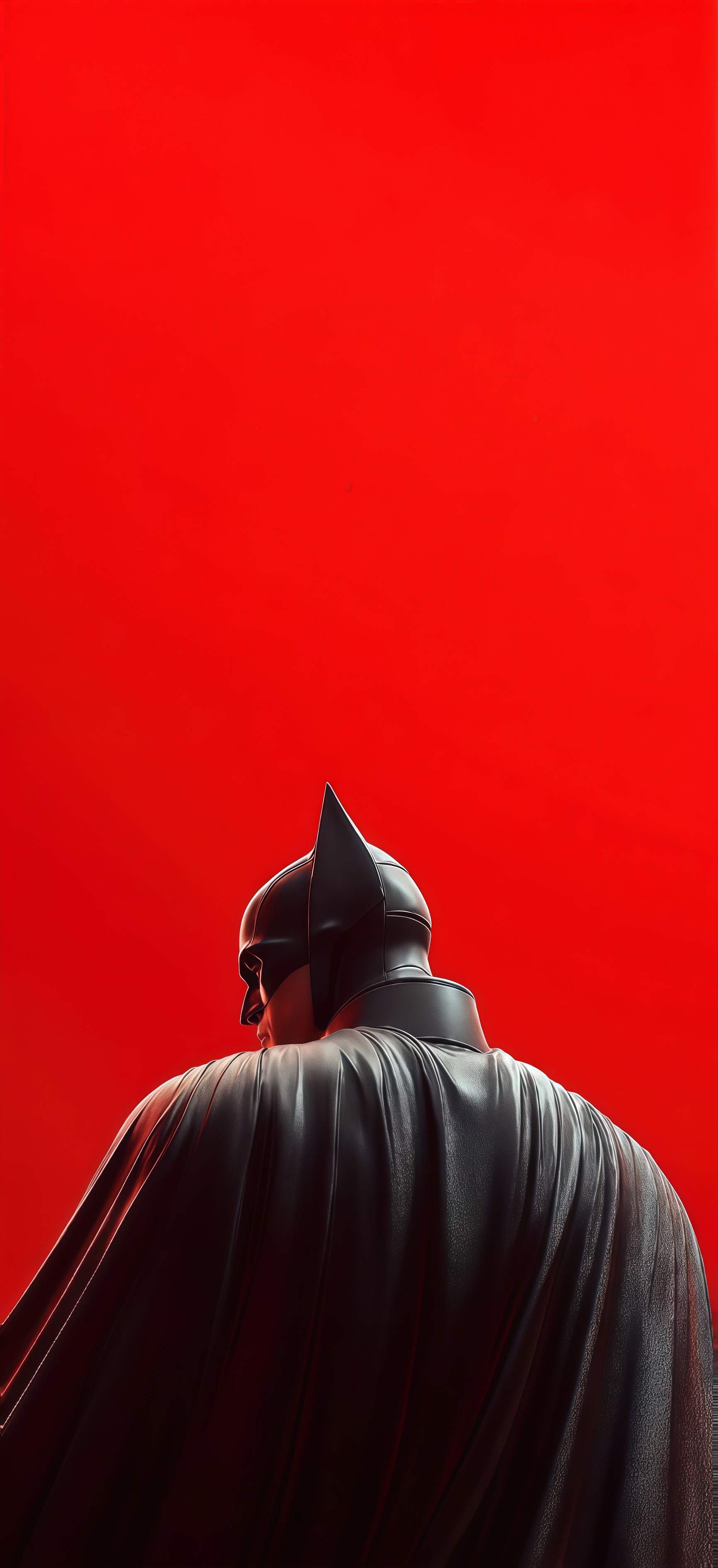
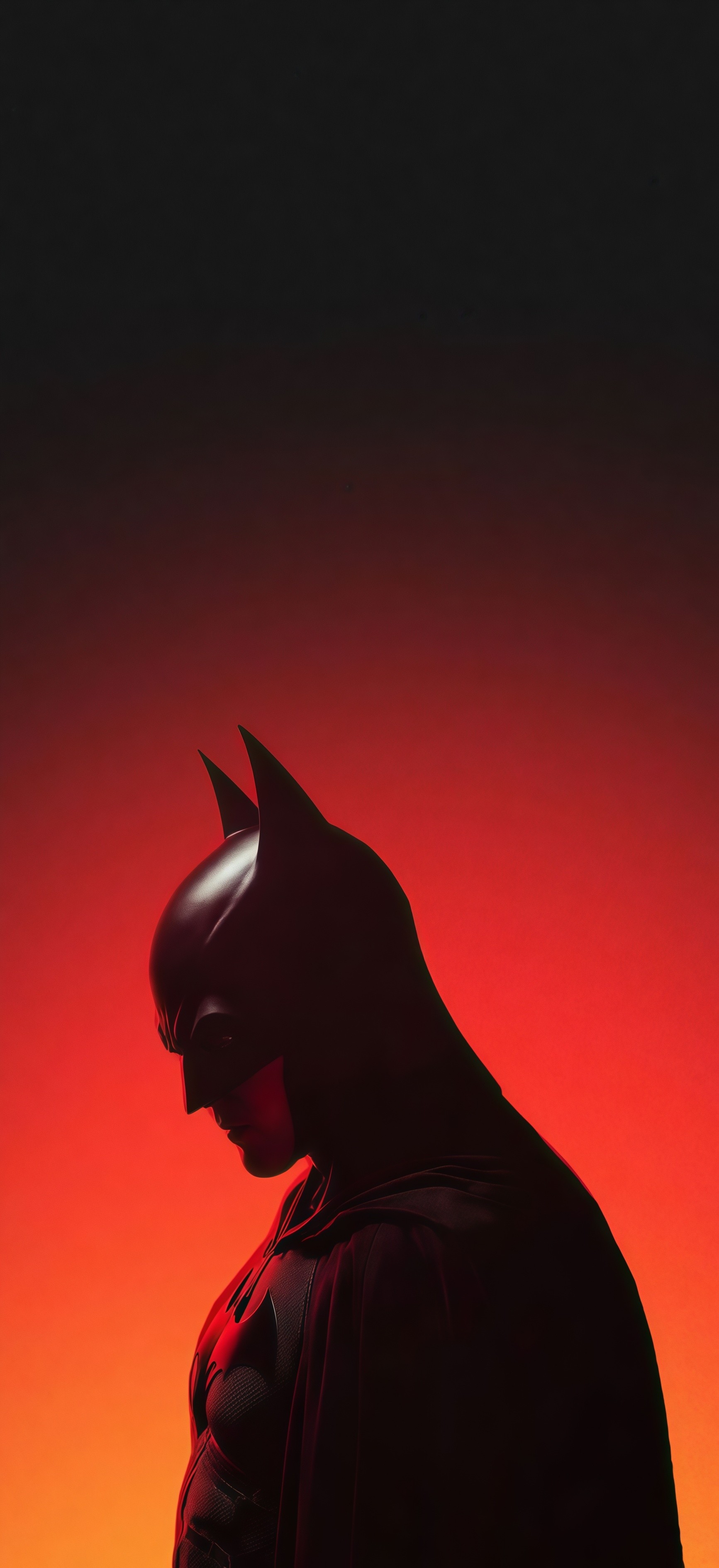
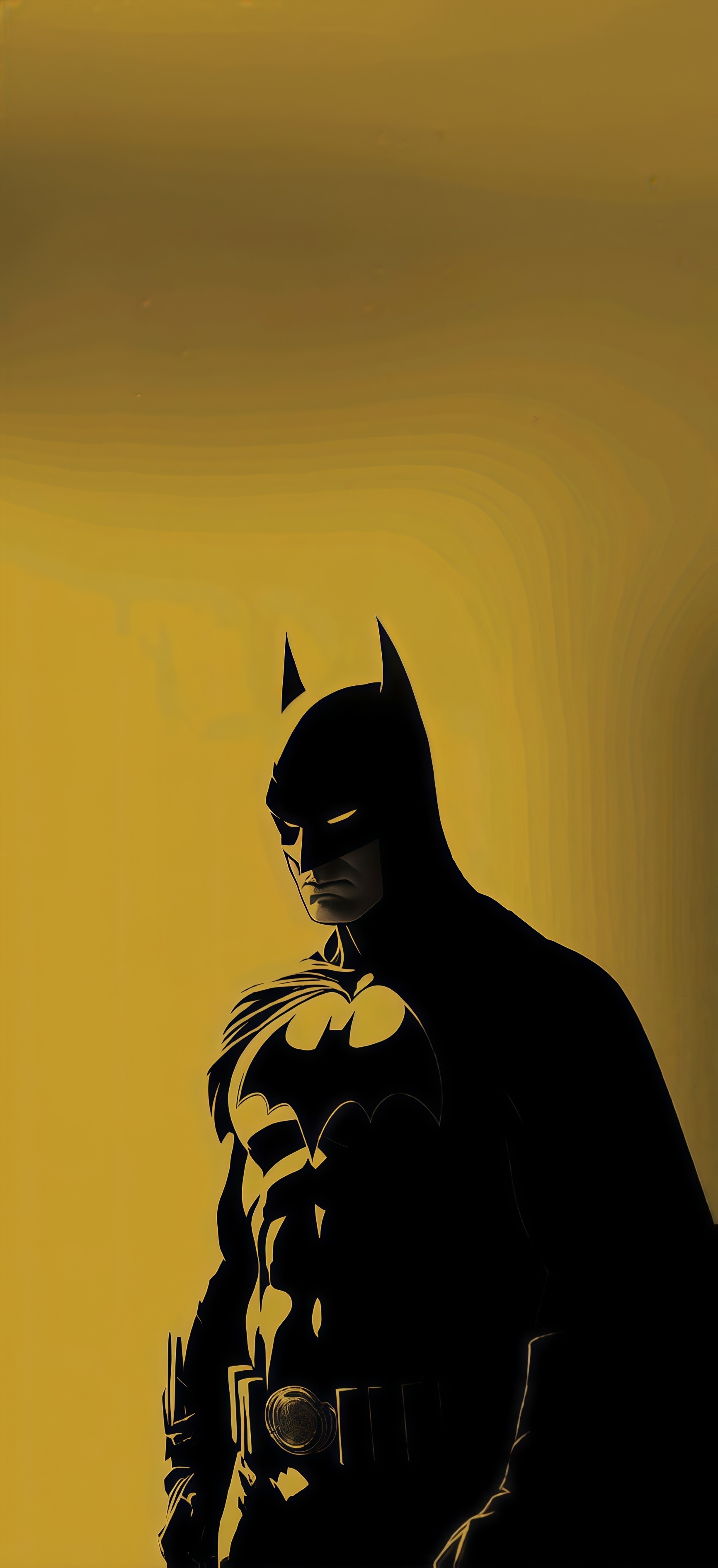
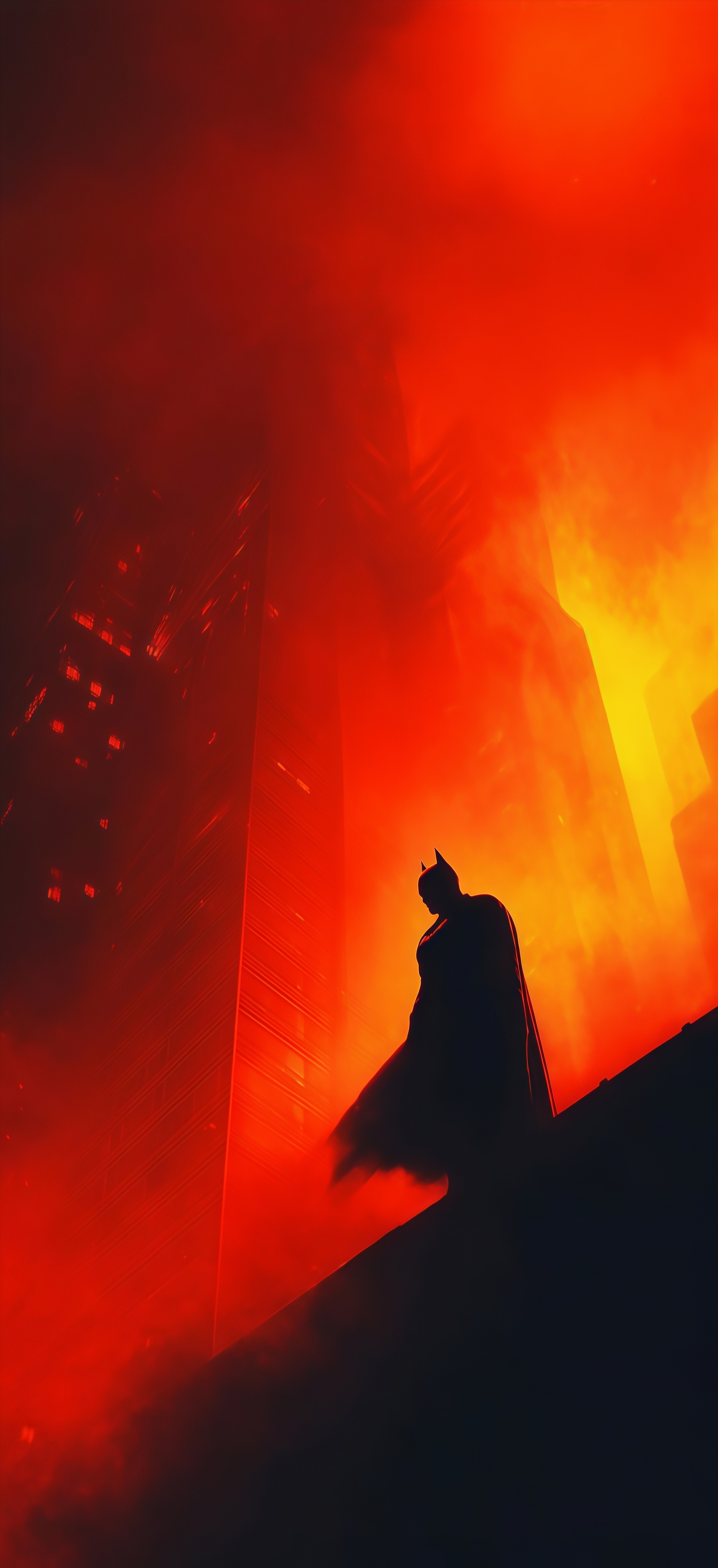
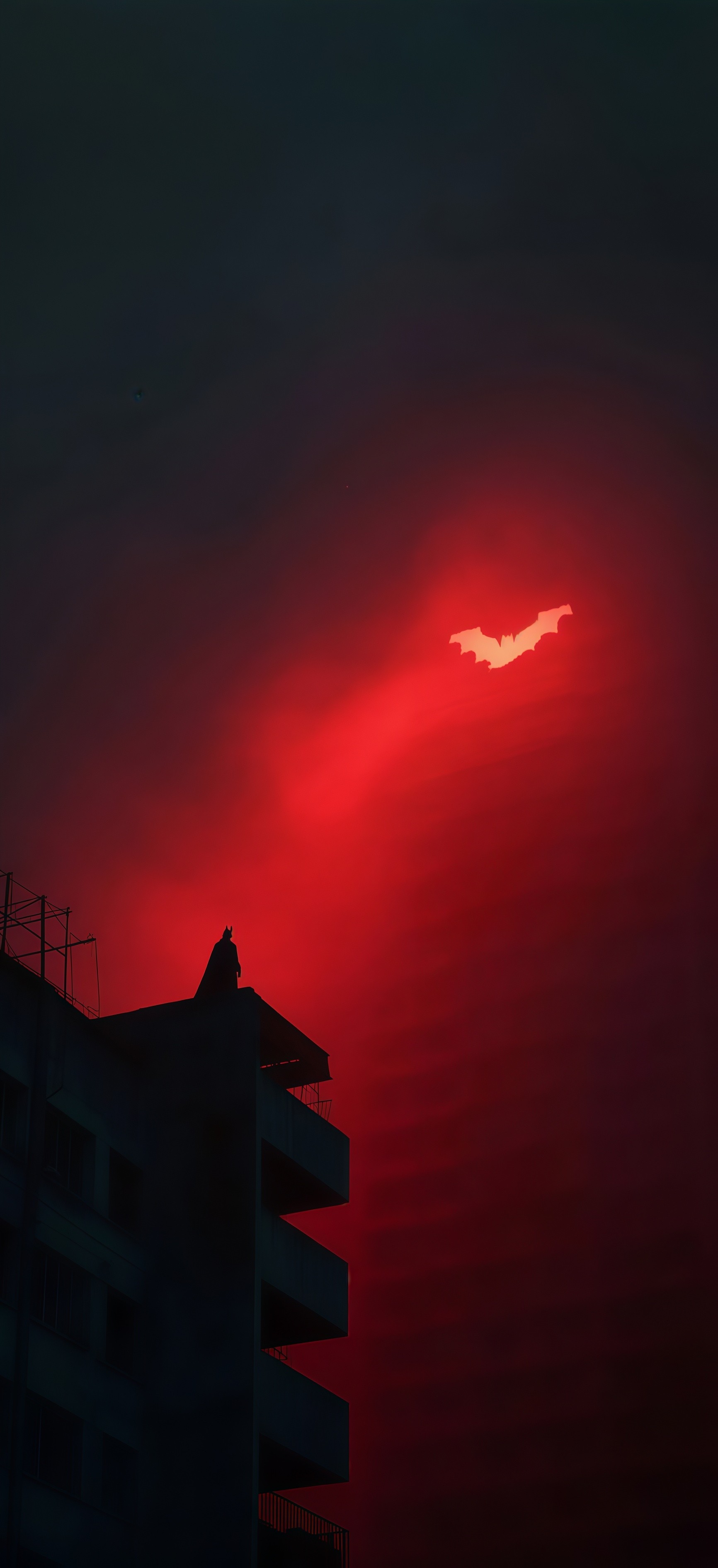
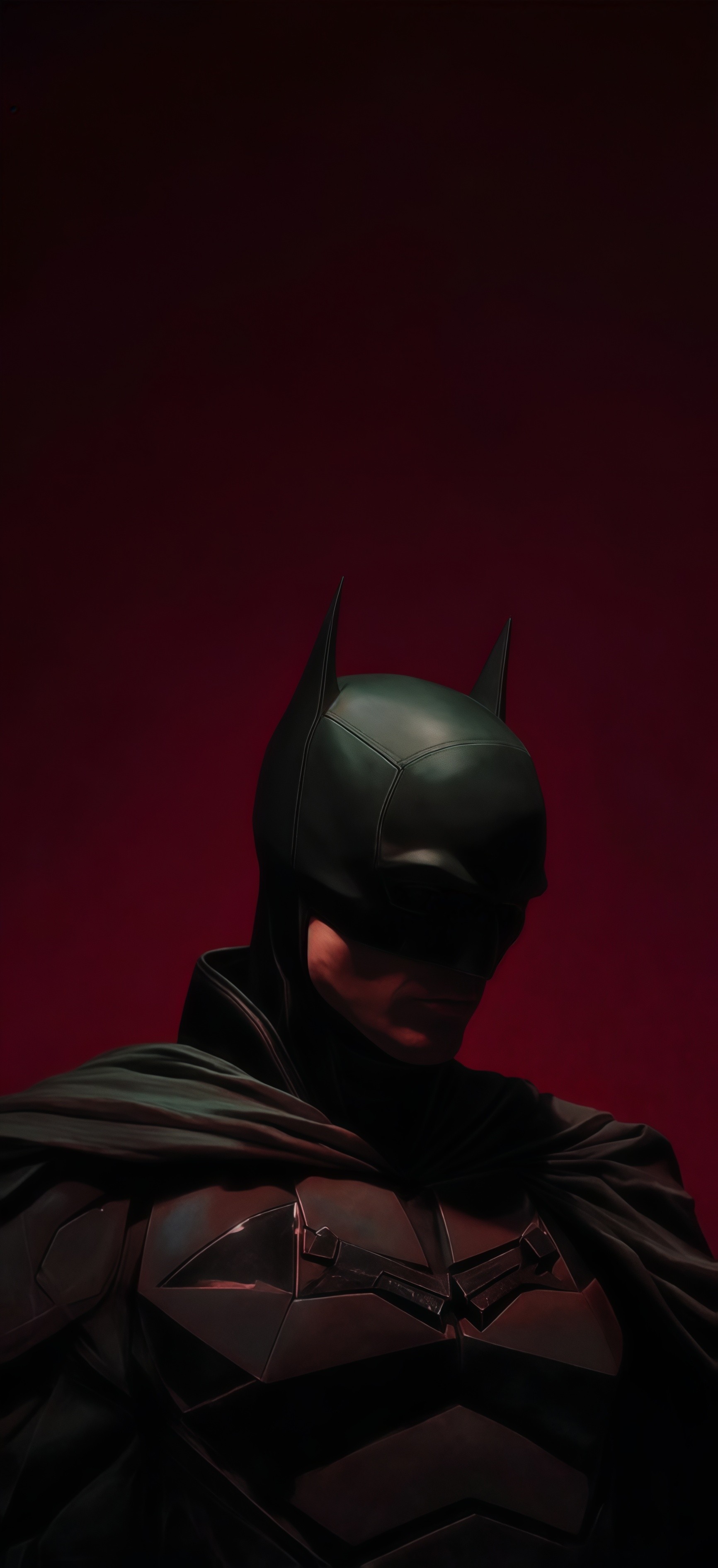
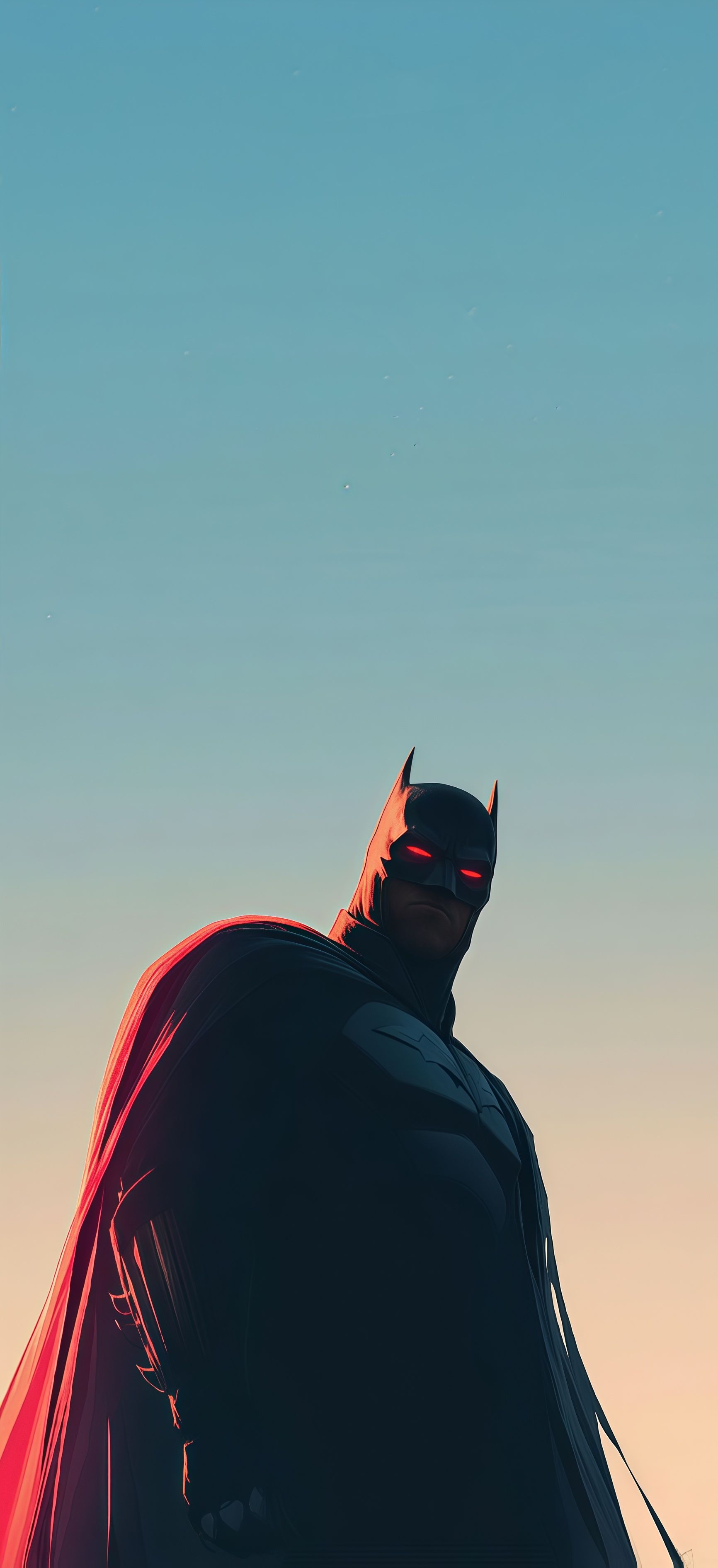
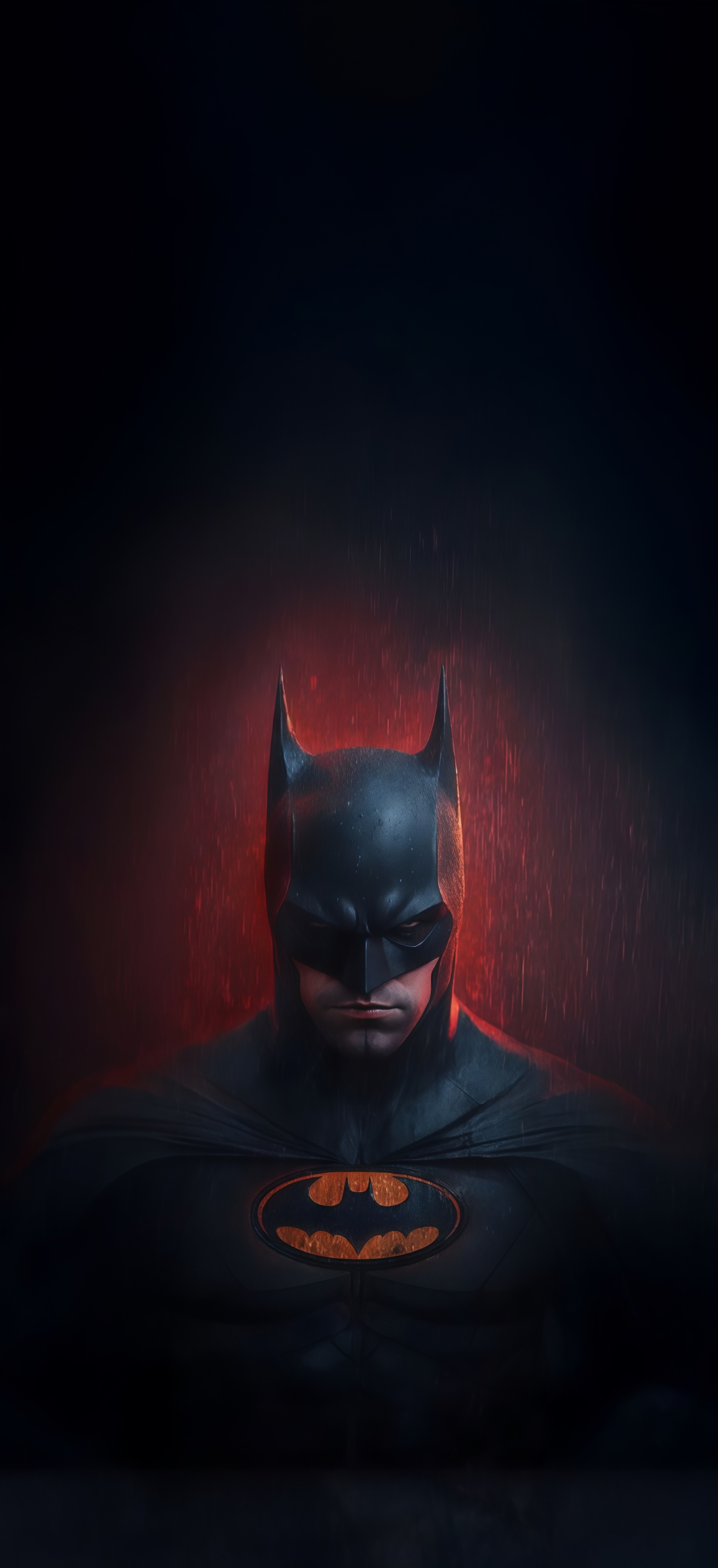
Elevate your mobile screen with this Minimalist Dark Knight Wallpaper, featuring a sleek back-view of the iconic cowl against a solid, vibrant red backdrop. This high-quality HD image offers a clean, modern look that highlights the intricate textures of the suit while providing a bold pop of color for your home or lock screen. 🌑🔴
Tap the "Download Wallpaper" button above to save the full-resolution image to your device.
Android: Open your Gallery or Photos app, find the downloaded image, tap the three-dot menu (⋮) and select "Set as wallpaper." Choose home screen, lock screen, or both.
iPhone: Open the Photos app, find the downloaded image, tap the share icon (↑) and select "Use as Wallpaper." Adjust the crop and tap "Set."
Or use the Chicswipe app to set wallpapers with a single tap — no manual steps needed.