Entertainment
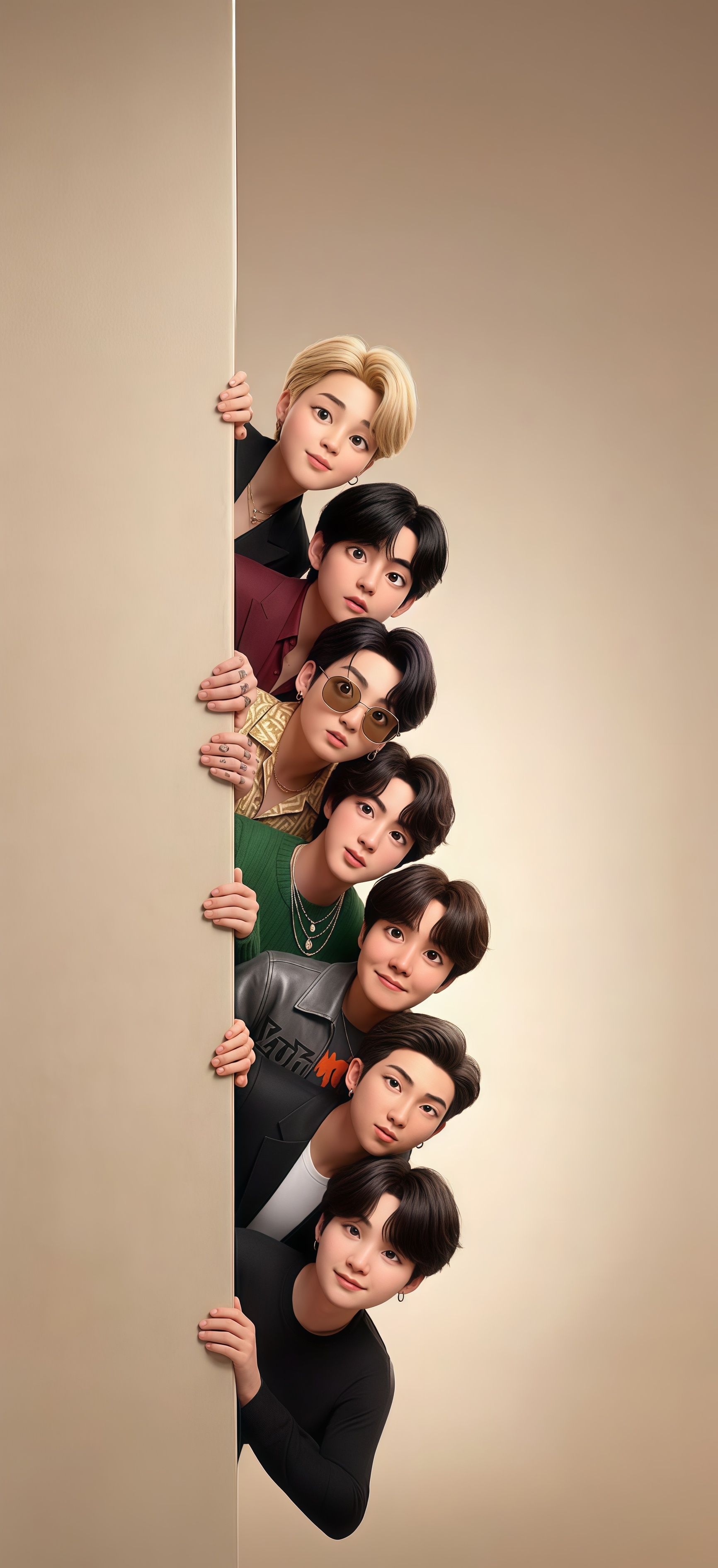
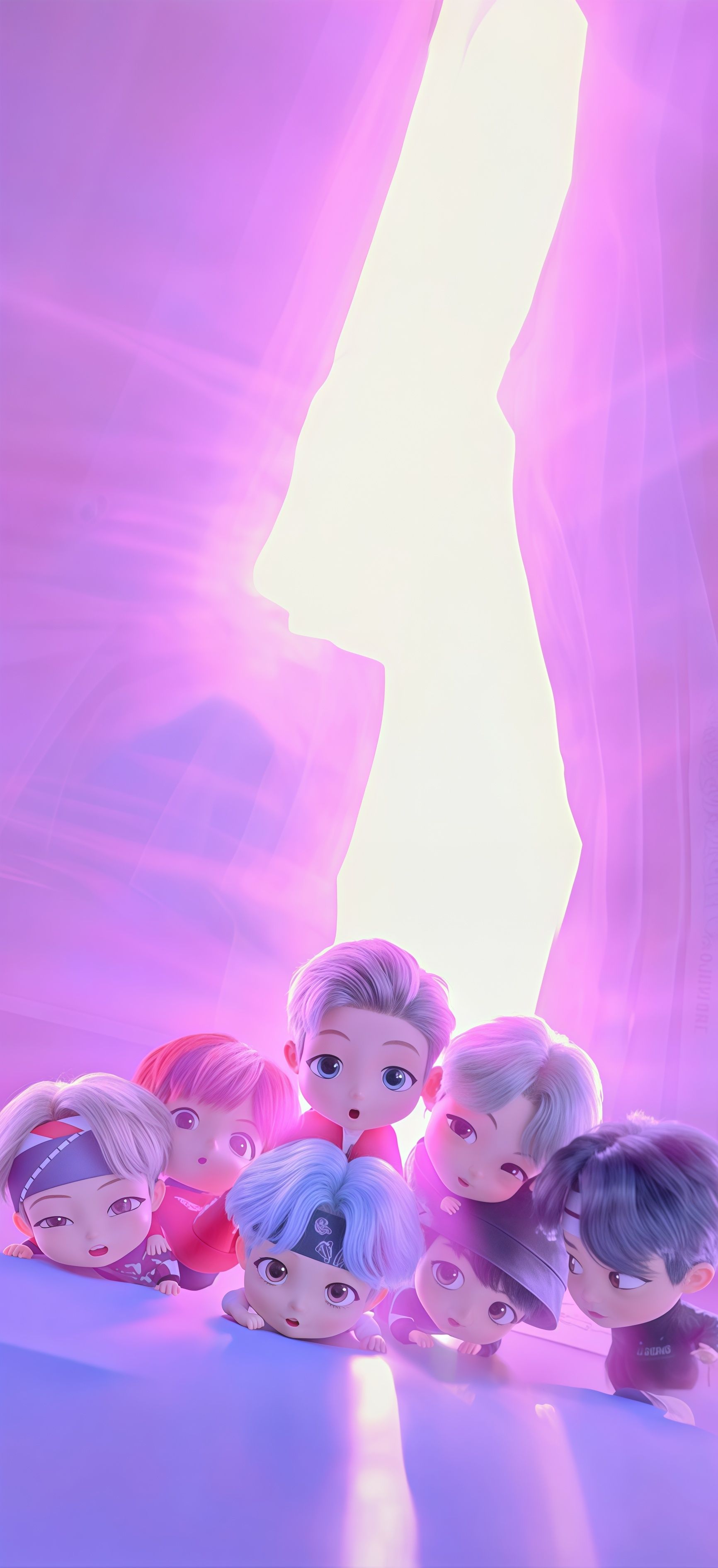
BTS TinyTAN Cute Wallpaper

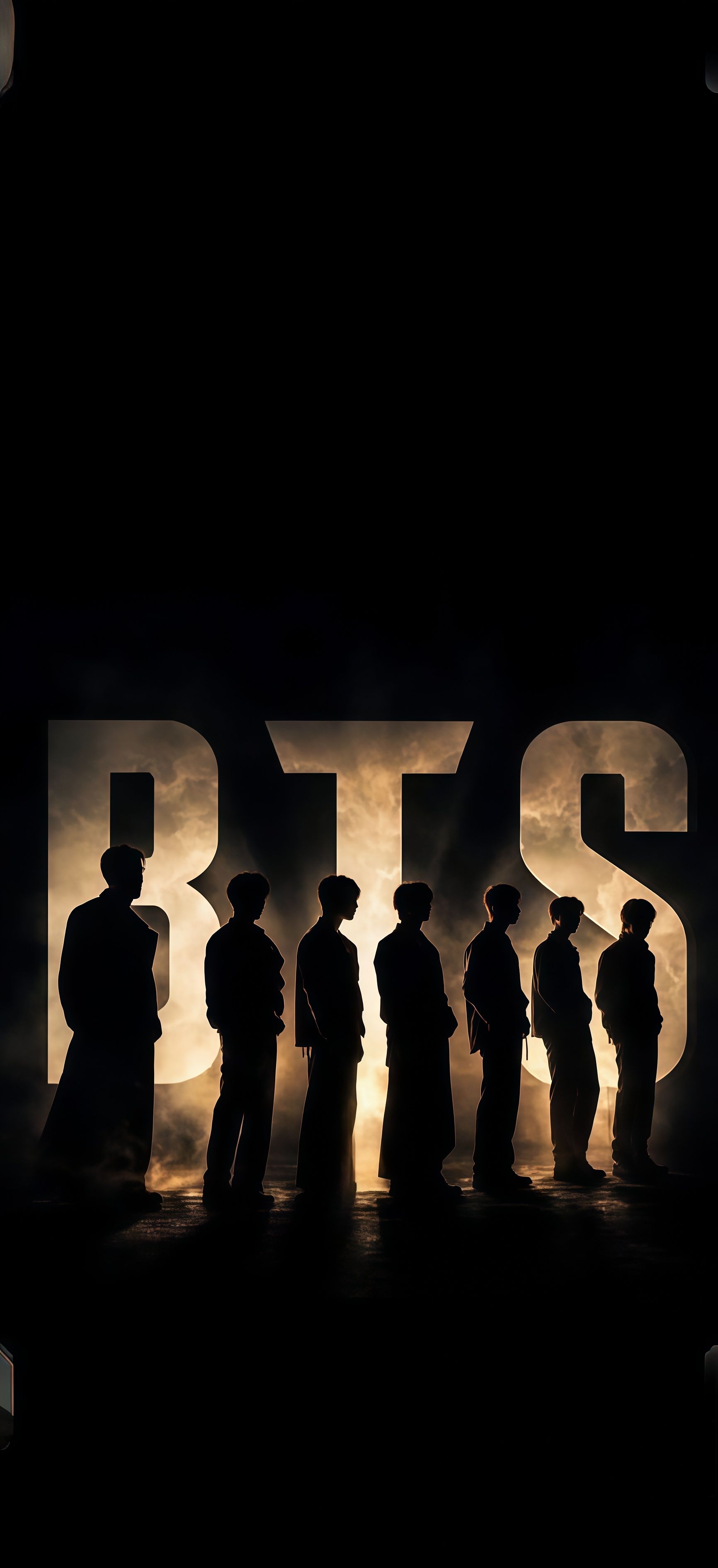
BTS Group Wallpaper features a striking visual of the members standing in a line before a massive, glowing white BTS emblem. This high-definition 4K background captures a sense of grandiosity and "Chapter 2" maturity, with dramatic lighting that highlights each member's profile. Perfect for those who want a premium and professional-looking phone wallpaper, this image represents the strength and global impact of the band in a crisp, high-quality format. 🌟💎
Tap the "Download Wallpaper" button above to save the full-resolution image to your device.
Android: Open your Gallery or Photos app, find the downloaded image, tap the three-dot menu (⋮) and select "Set as wallpaper." Choose home screen, lock screen, or both.
iPhone: Open the Photos app, find the downloaded image, tap the share icon (↑) and select "Use as Wallpaper." Adjust the crop and tap "Set."
Or use the Chicswipe app to set wallpapers with a single tap — no manual steps needed.