Nature
HD urban landscape
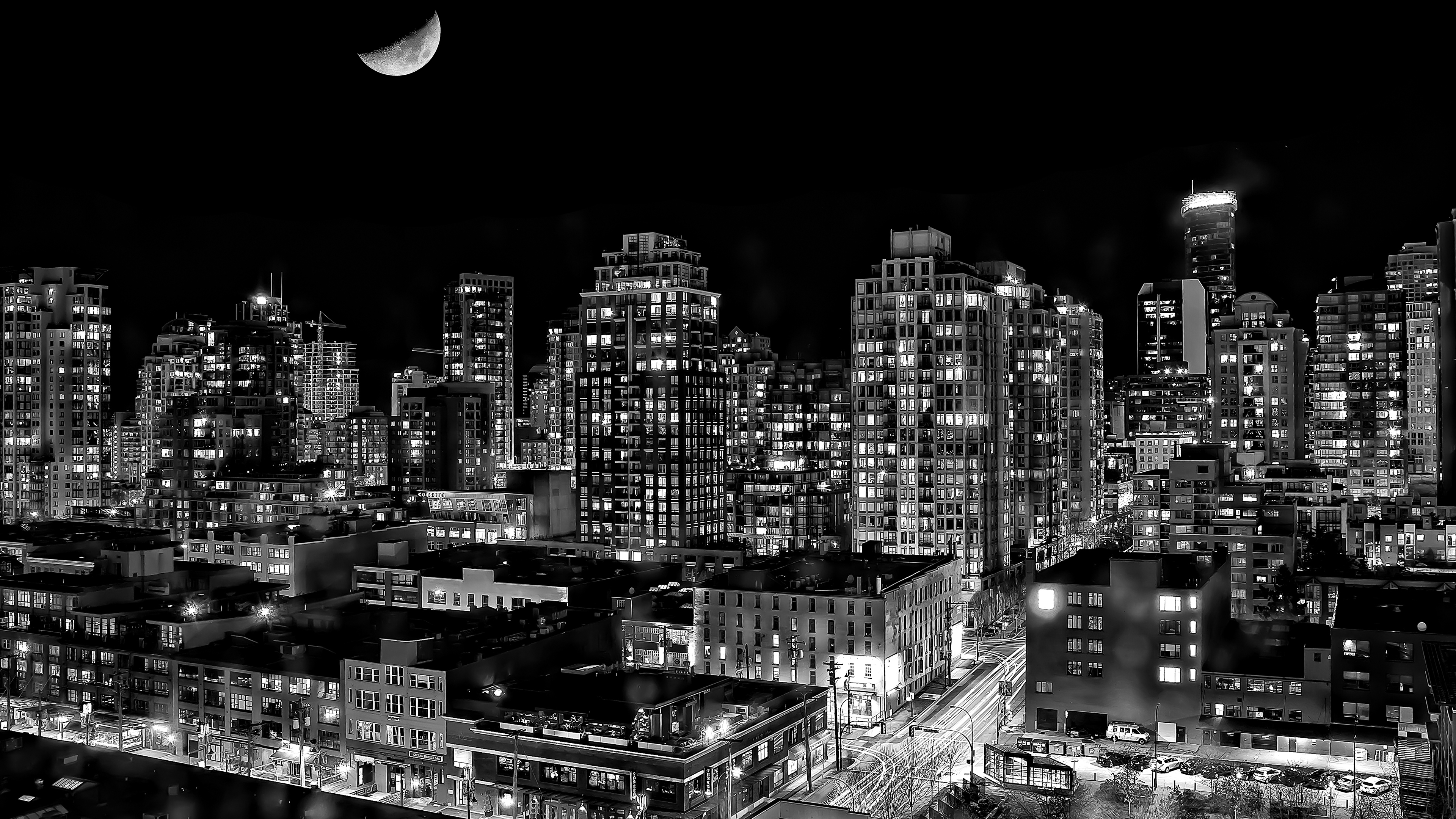
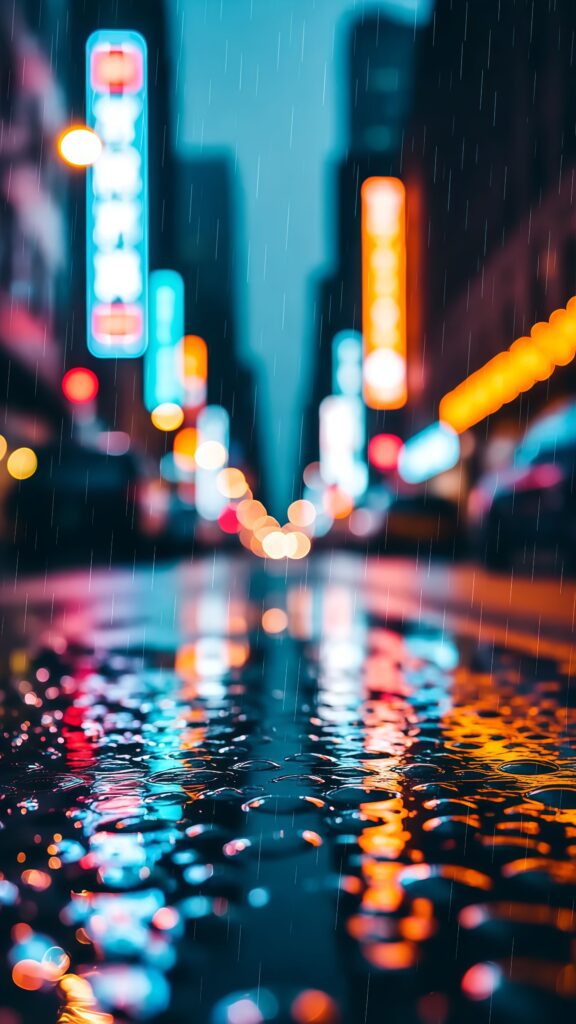
Dark Vibrant City Download the Dark Vibrant City wallpaper in 4K Ultra HD, featuring a dynamic urban scene lit up by vibrant neon lights. This high-definition image showcases a blend of dark cityscape aesthetics with vivid, colorful hues, perfect for anyone who loves futuristic and night-time city imagery. Enhance your desktop or mobile screen with this captivating, modern wallpaper
Tap the "Download Wallpaper" button above to save the full-resolution image to your device.
Android: Open your Gallery or Photos app, find the downloaded image, tap the three-dot menu (⋮) and select "Set as wallpaper." Choose home screen, lock screen, or both.
iPhone: Open the Photos app, find the downloaded image, tap the share icon (↑) and select "Use as Wallpaper." Adjust the crop and tap "Set."
Or use the Chicswipe app to set wallpapers with a single tap — no manual steps needed.