Movies
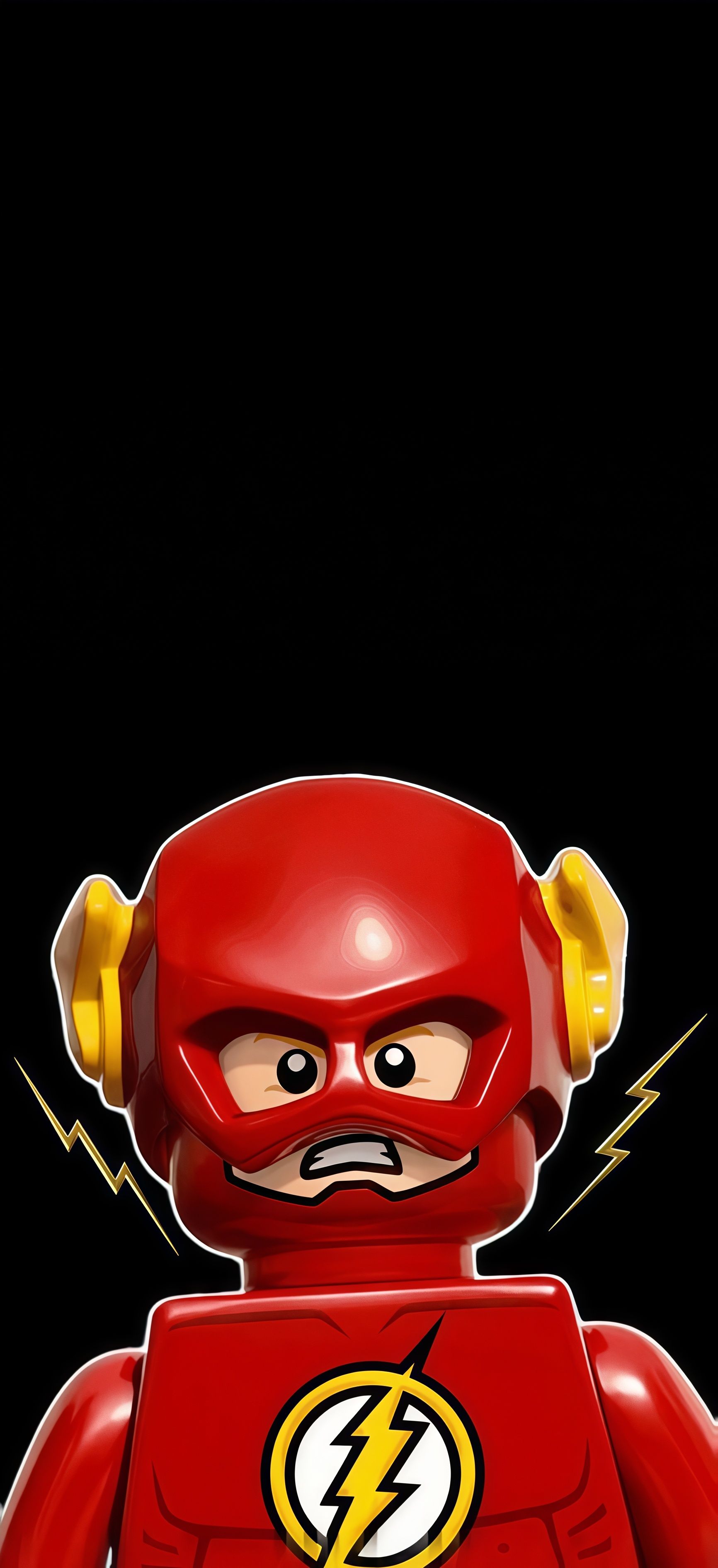
Dark Lego Flash 4K Wallpaper
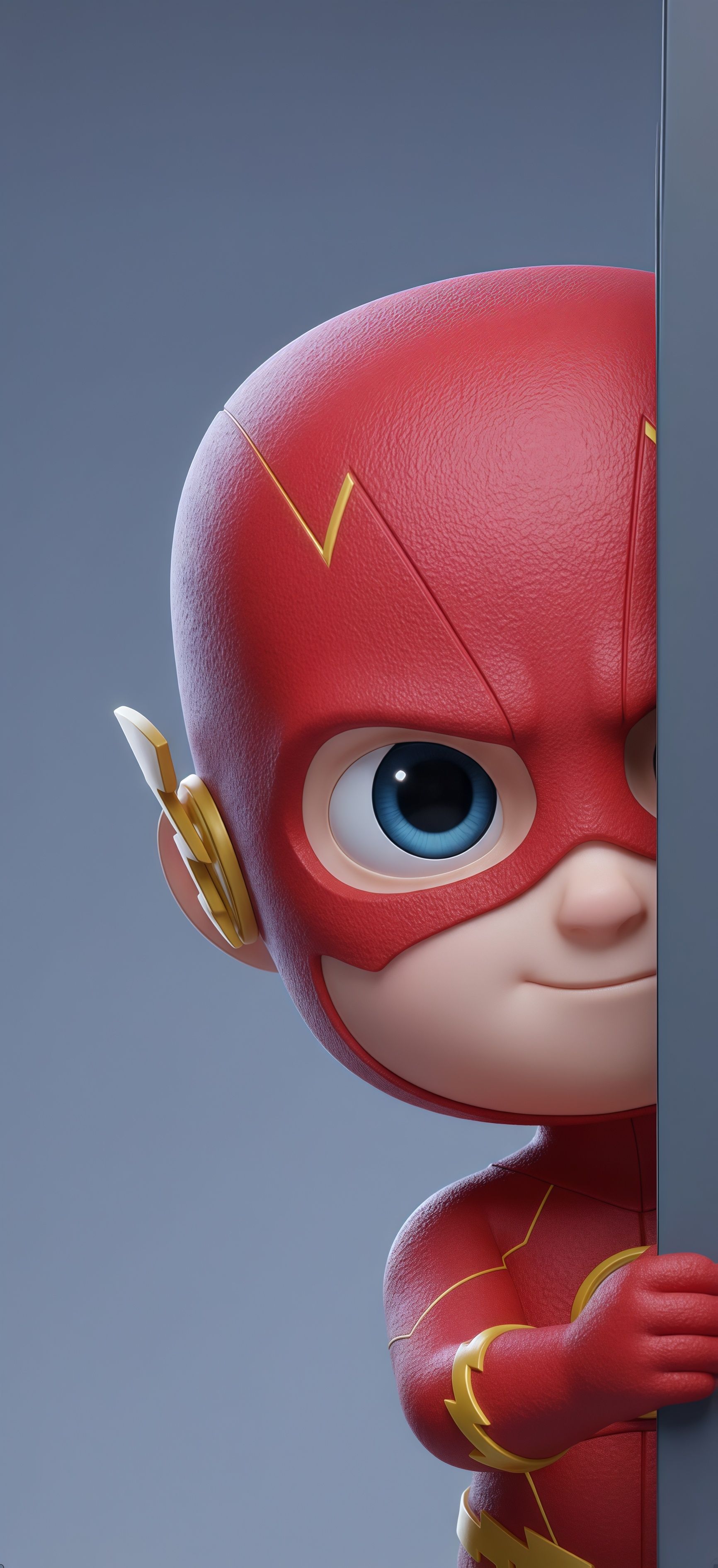
Speed up your home screen with The Flash 3D Chibi mobile wallpaper, featuring the fastest man alive in a cute, high-definition render. This 4K phone background shows Barry Allen peeking with a smirk, highlighting the intricate textures of his red speedster suit and golden lightning emblems. A high-quality choice for fans of the Scarlet Speedster.
Tap the "Download Wallpaper" button above to save the full-resolution image to your device.
Android: Open your Gallery or Photos app, find the downloaded image, tap the three-dot menu (⋮) and select "Set as wallpaper." Choose home screen, lock screen, or both.
iPhone: Open the Photos app, find the downloaded image, tap the share icon (↑) and select "Use as Wallpaper." Adjust the crop and tap "Set."
Or use the Chicswipe app to set wallpapers with a single tap — no manual steps needed.