Art
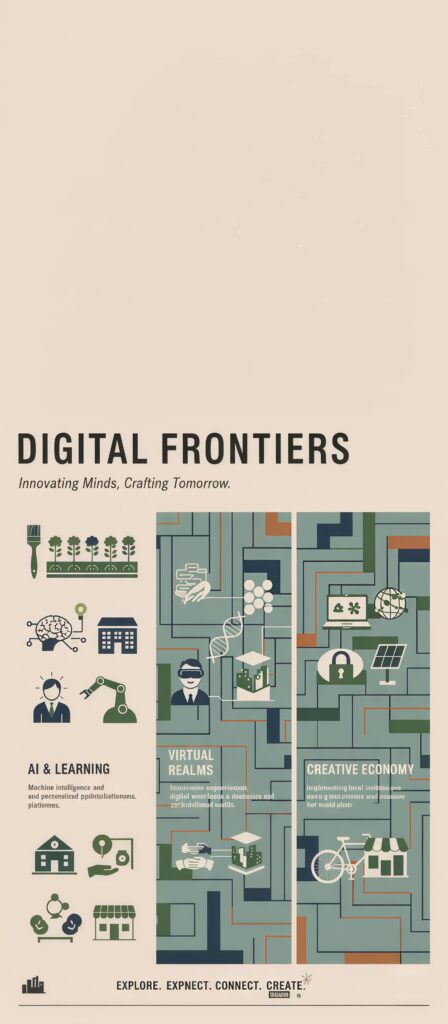
Digital Frontiers Tech Wallpaper
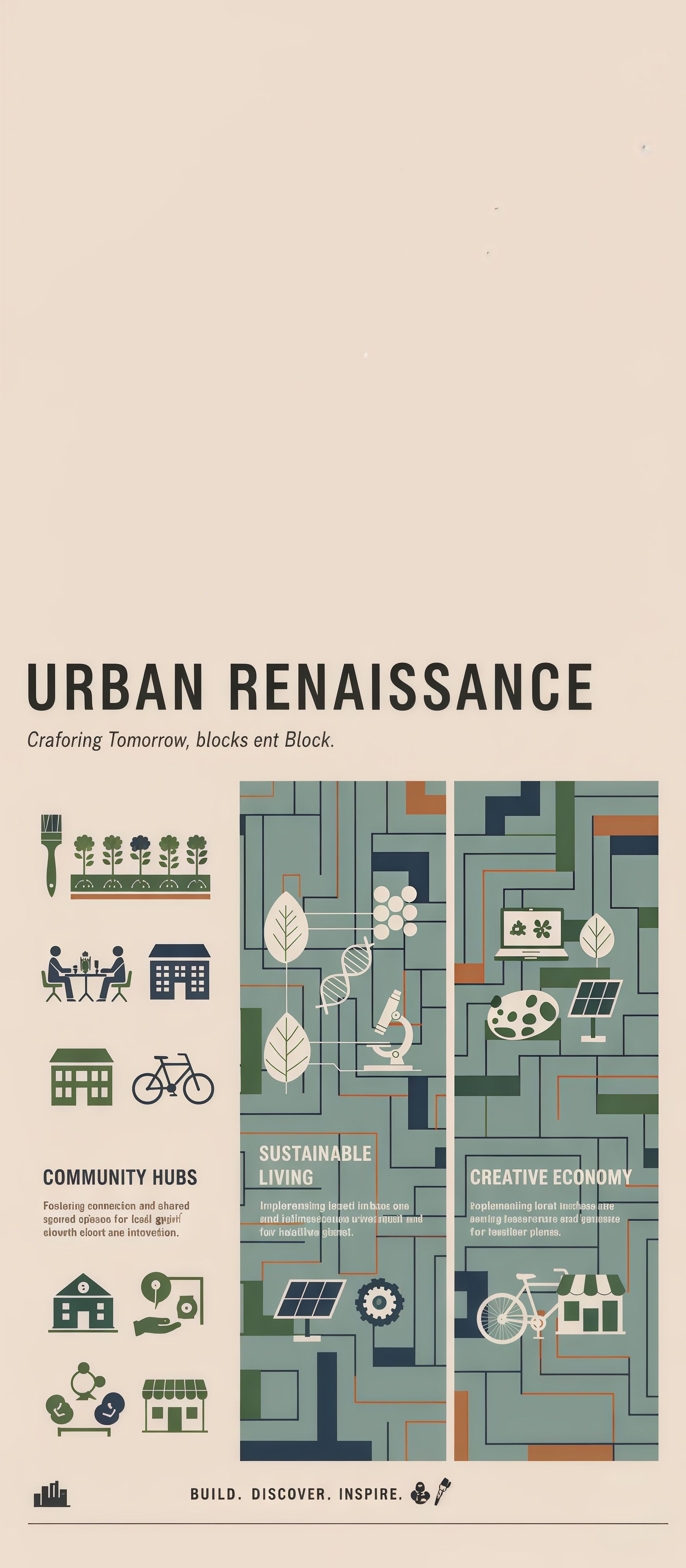
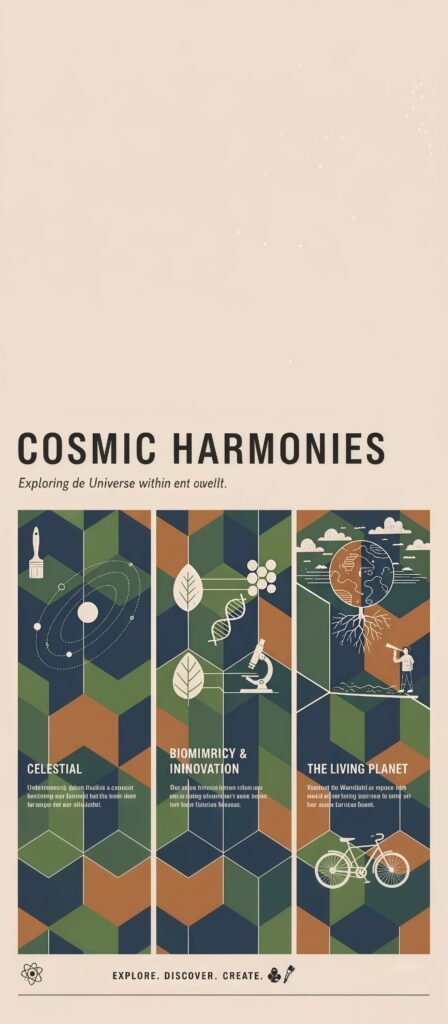
Urban Renaissance Planning Wallpaper presents a conceptual infographic on modern urban planning, divided into sections: Community Hubs, Sustainable Living (with solar/DNA), and Creative Economy. The sleek, geometric design in a palette of teal, olive, and brown showcases ideas for crafting better cities, making a great conceptual wallpaper for design and planning enthusiasts. Type: Informational Graphic/Planning
Tap the "Download Wallpaper" button above to save the full-resolution image to your device.
Android: Open your Gallery or Photos app, find the downloaded image, tap the three-dot menu (⋮) and select "Set as wallpaper." Choose home screen, lock screen, or both.
iPhone: Open the Photos app, find the downloaded image, tap the share icon (↑) and select "Use as Wallpaper." Adjust the crop and tap "Set."
Or use the Chicswipe app to set wallpapers with a single tap — no manual steps needed.