Movies
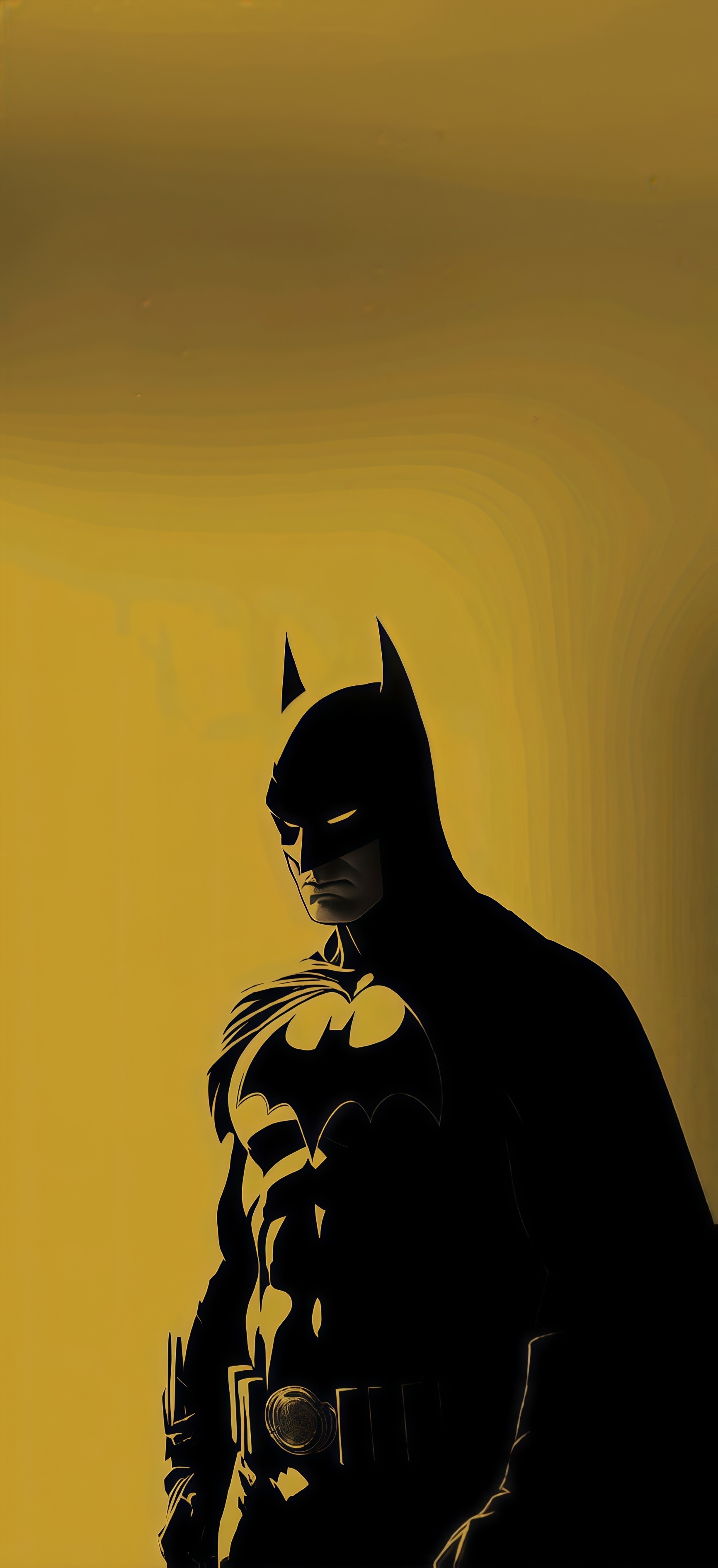
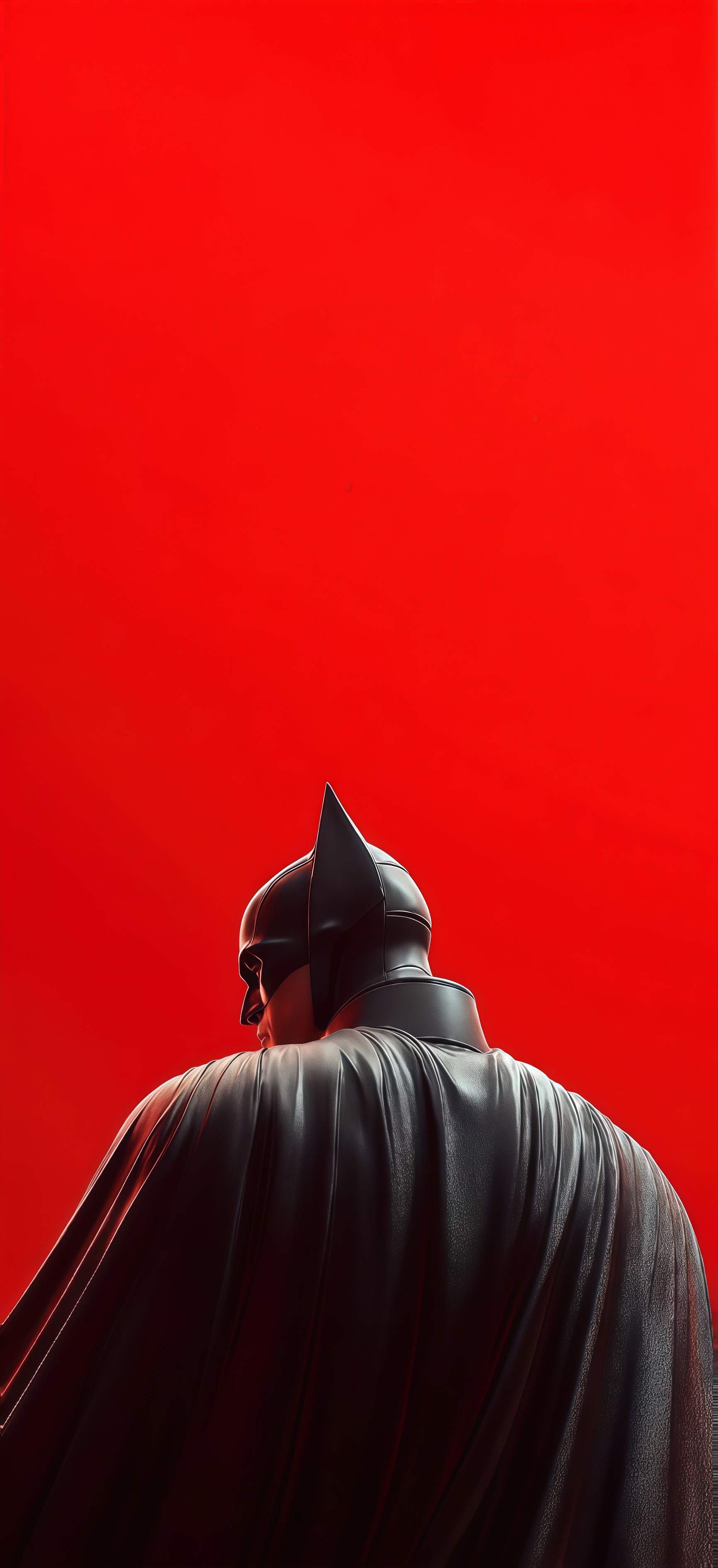
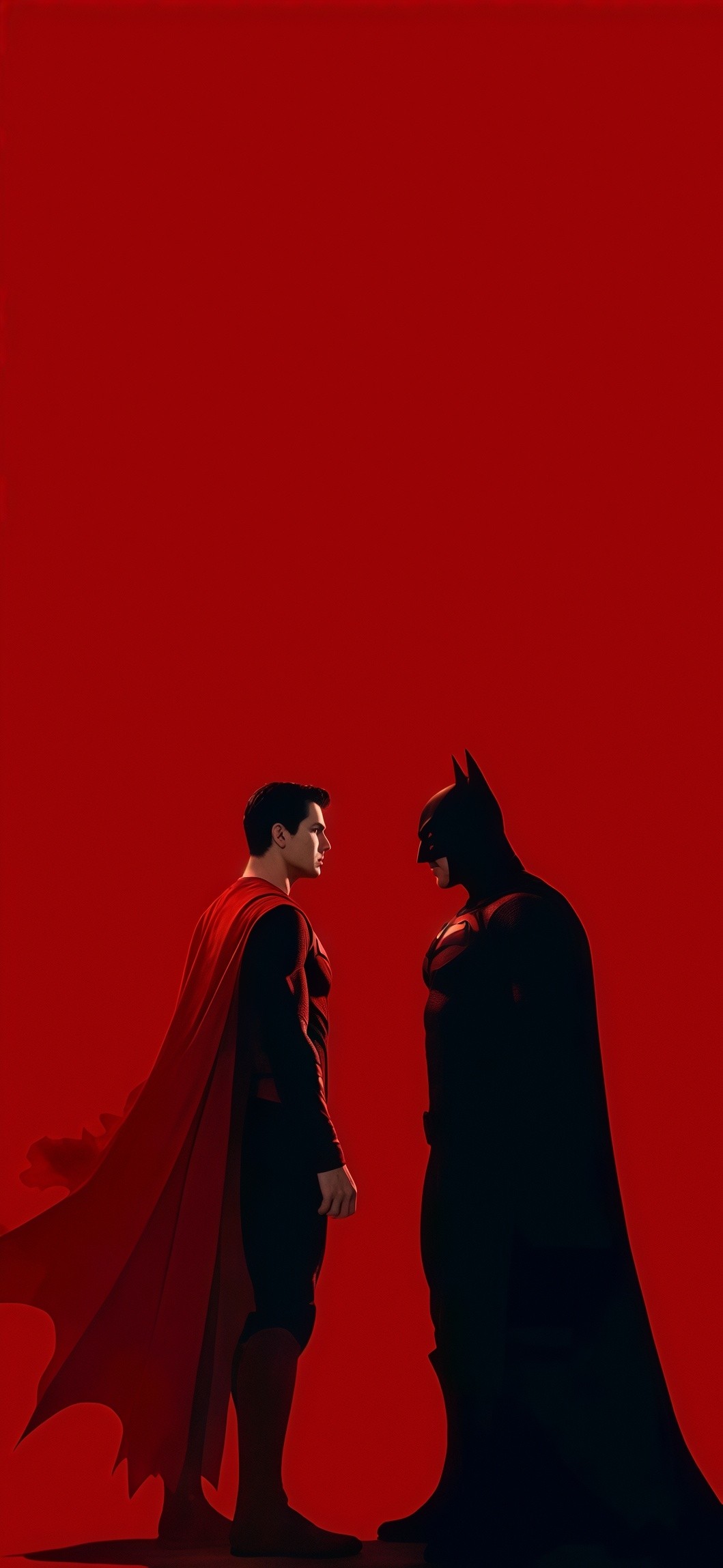
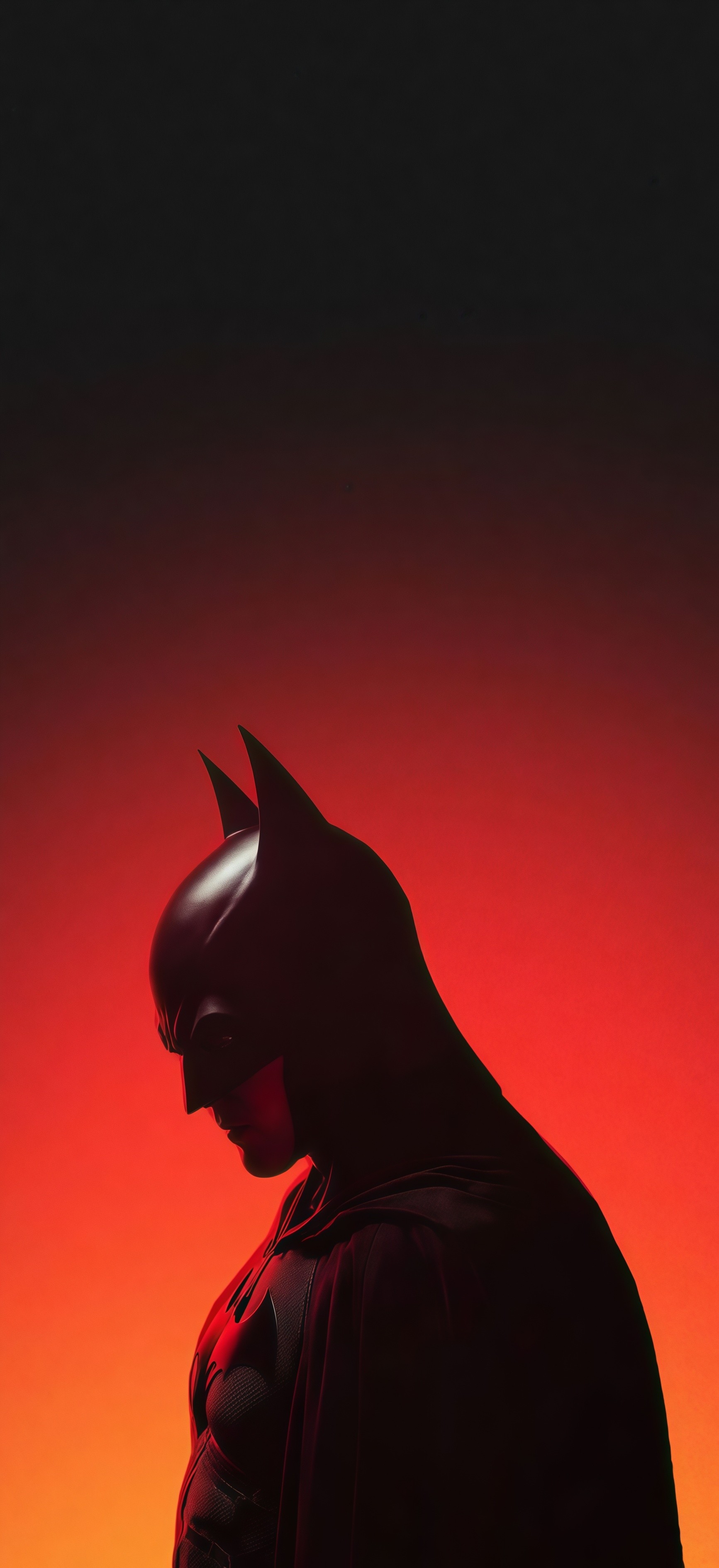
Robert Pattinson Batman Wallpaper
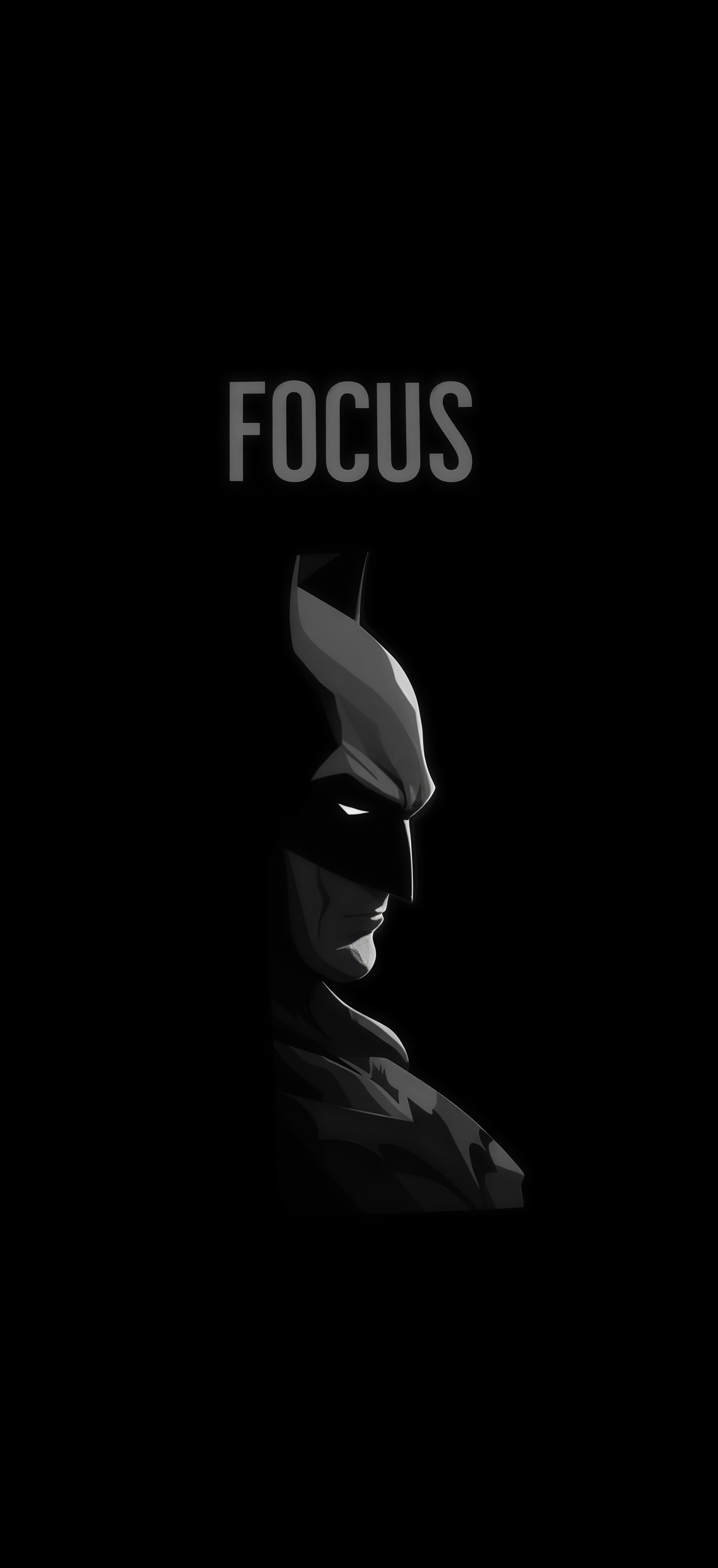
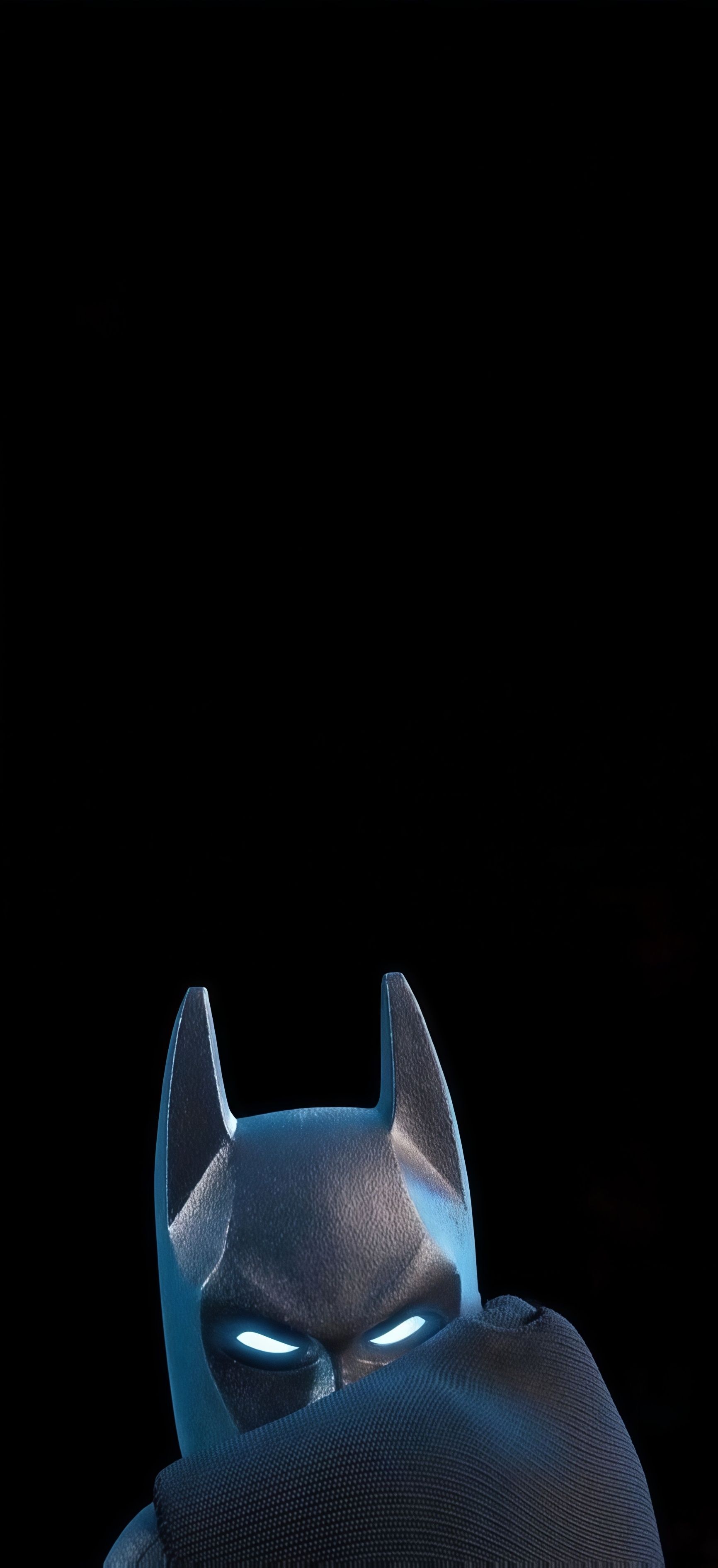
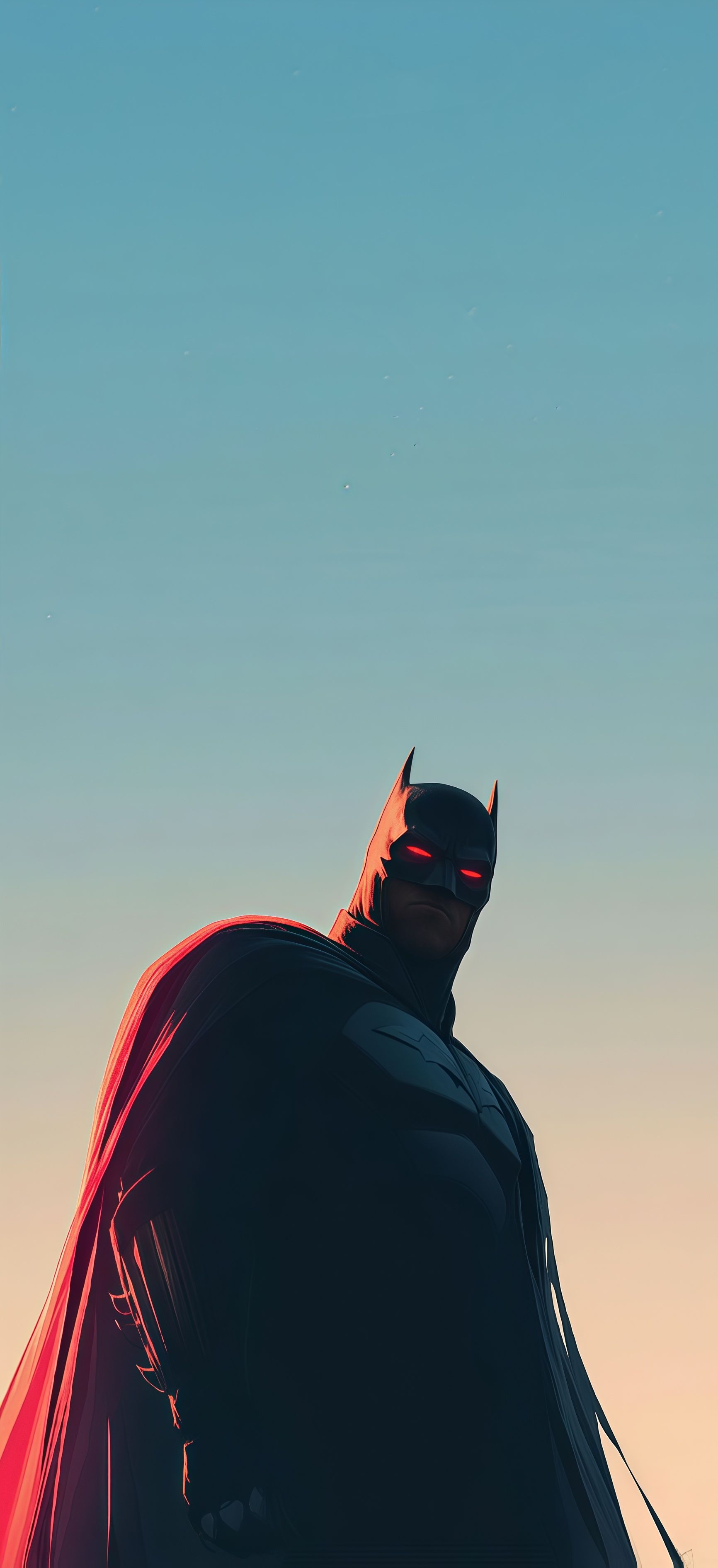
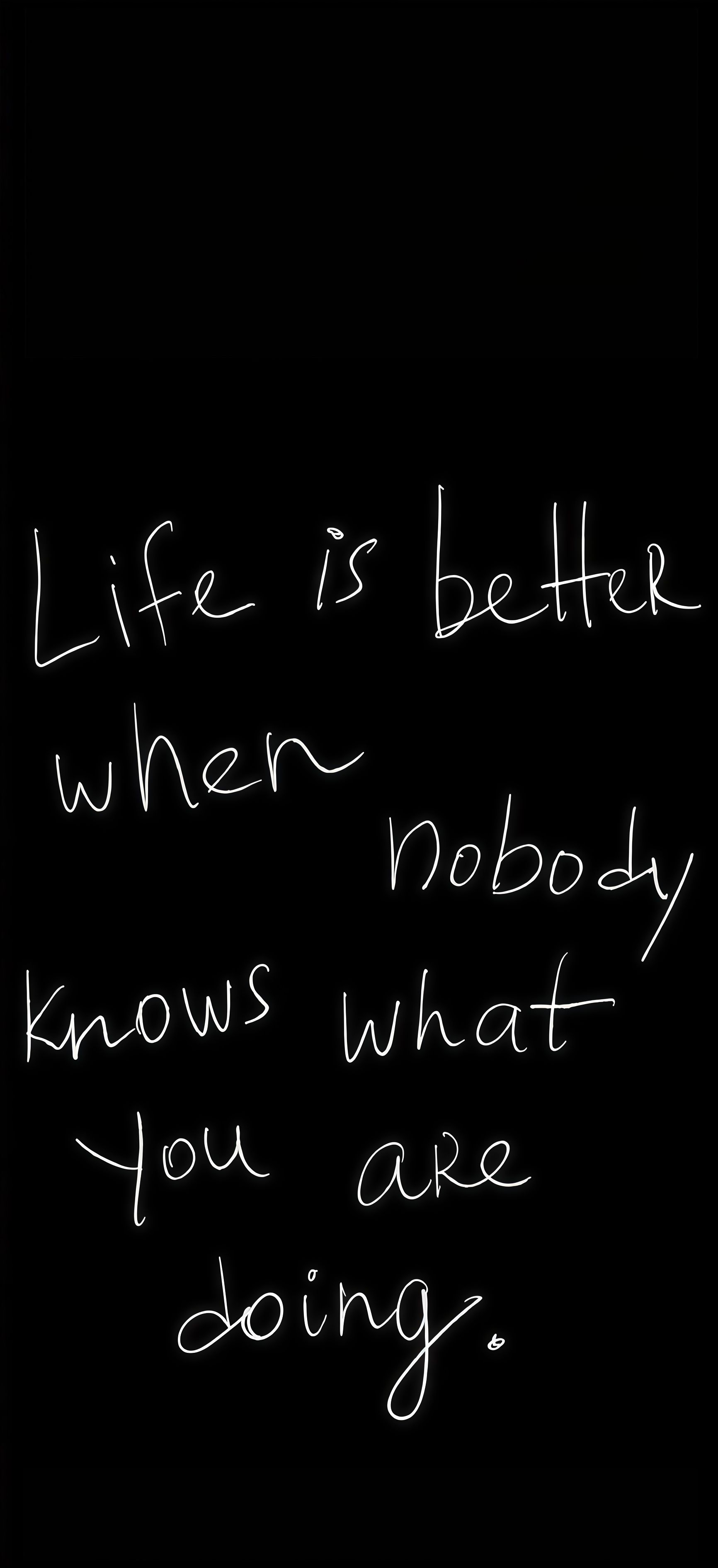
Batman Focus Dark Wallpaper is a 2K QHD wallpaper in tall portrait format, ideal for phone screens. The native resolution of 1732×3781 ensures sharp, crisp detail on any screen size — no upscaling artifacts or blurriness. Categorized under Movies, Phone, Motivation, Iphone and Samsung, giving you a crossover of styles in a single download. The tall aspect ratio is optimized for modern smartphones — it fills the entire screen edge to edge without awkward cropping. Tagged with Minimalist, Dc comics, Batman, Dark, Inspirational, connecting it to a wider network of related backgrounds you might enjoy. Hit download to grab the uncompressed original. For the easiest setup experience, try the Chicswipe app which lets you set wallpapers with a single tap.
Tap the "Download Wallpaper" button above to save the full-resolution image to your device.
Android: Open your Gallery or Photos app, find the downloaded image, tap the three-dot menu (⋮) and select "Set as wallpaper." Choose home screen, lock screen, or both.
iPhone: Open the Photos app, find the downloaded image, tap the share icon (↑) and select "Use as Wallpaper." Adjust the crop and tap "Set."
Or use the Chicswipe app to set wallpapers with a single tap — no manual steps needed.