Entertainment
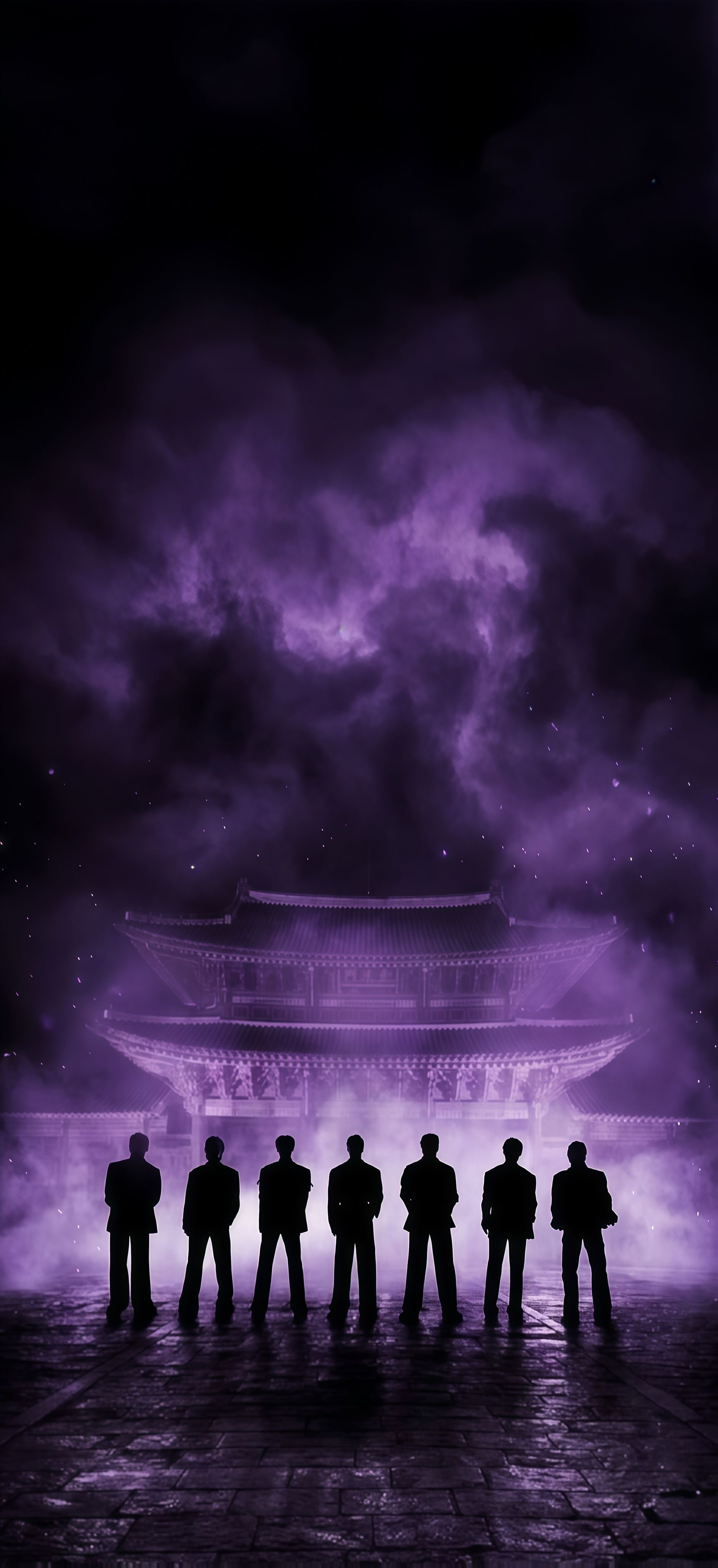
BTS Gyeongbokgung Palace Purple Wallpaper

Dive into a vaporwave paradise with this Neon Purple Palm Tree Night Wallpaper. Looking up from a low angle, this phone background showcases a single, majestic palm tree fully illuminated in a striking magenta and deep violet glow against a pitch-black night sky. It provides a perfect dark mode backdrop for an ultra-modern, synthwave look. 🌴💜
Tap the "Download Wallpaper" button above to save the full-resolution image to your device.
Android: Open your Gallery or Photos app, find the downloaded image, tap the three-dot menu (⋮) and select "Set as wallpaper." Choose home screen, lock screen, or both.
iPhone: Open the Photos app, find the downloaded image, tap the share icon (↑) and select "Use as Wallpaper." Adjust the crop and tap "Set."
Or use the Chicswipe app to set wallpapers with a single tap — no manual steps needed.


